Loading…
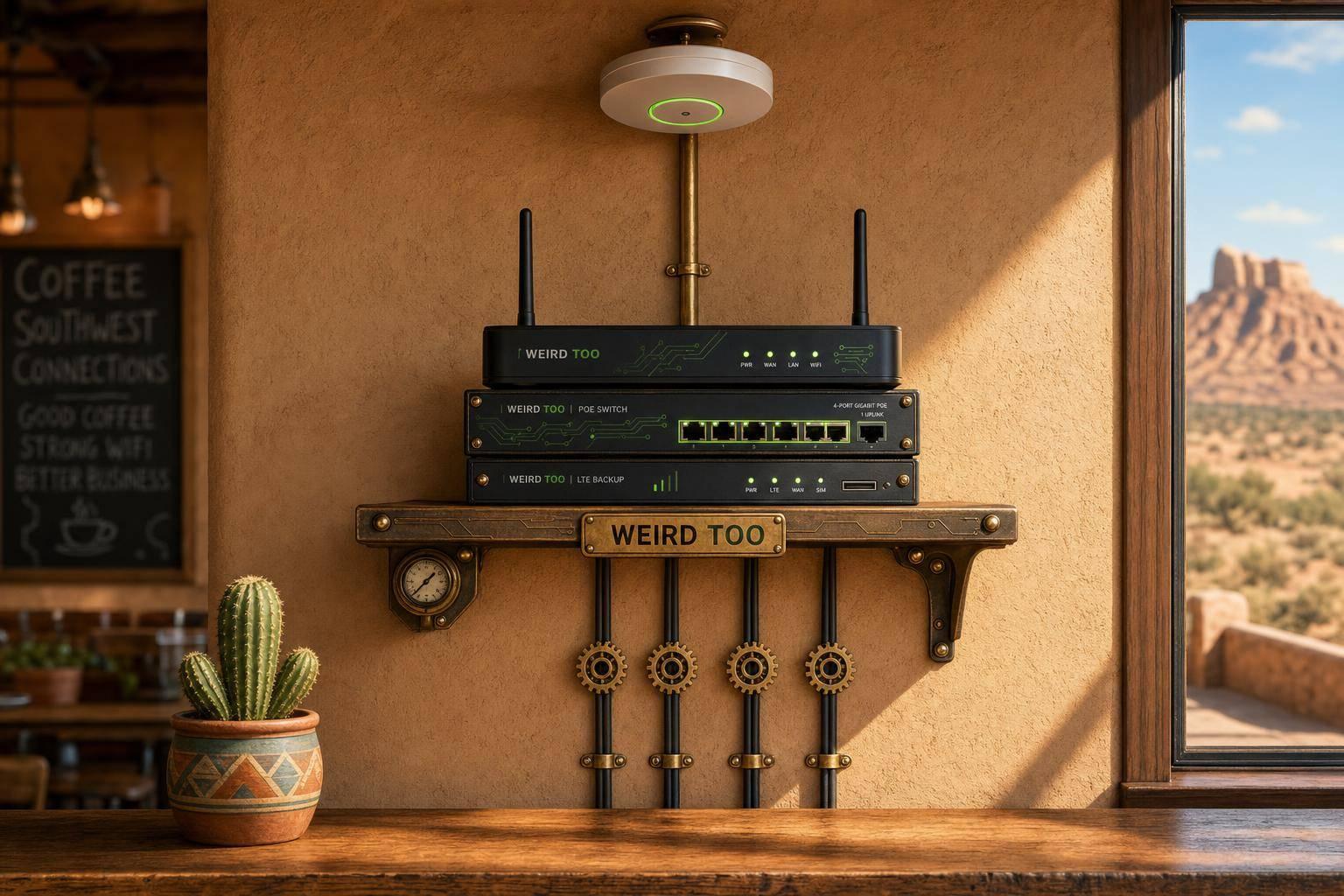
Affordable Network Equipment for Local Cafés Owners in Southwestern States
By weirdtoo·July 11, 2026·4 min read
Rural cafes need low-cost, outage-resistant network gear—Wi-Fi 6, PoE, VLANs, and LTE failover—to keep POS and guests online.
Affordable Network Equipment for Local Cafés Owners in Southwestern States
Affordable Network Equipment for Local Cafés Owners in Southwestern States
A practical buying and setup guide for local café owners in rural regions that recommends affordable networking gear for reliable Wi-Fi, POS, guest access, security, and easy expansion. The article emphasizes business-friendly features like mesh support, VLANs, guest portals, PoE, VPN, failover, and centralized management for non-technical users in underserved areas.
Business Type
Local Café
Region
Rural America
Region-Specific Connectivity Challenges
Rural America often means limited broadband options, larger or more spread-out coverage areas, and higher sensitivity to outages. Café networks in these areas need gear that can handle unstable upstream service and still keep POS systems, guest Wi-Fi, and back-office traffic running smoothly. Rural-focused environments prioritize mesh expansion, wired backhauls where possible, and robust backup connectivity such as LTE/4G or USB modem failover for business continuity.
Types of Network Equipment Covered
- Router
- Switch
- Security Gateway
- Access Point
Recommended Products
- ASUS ExpertWiFi EBR63
- TP-Link ER706W
- TP-Link ER605
- TP-Link Festa FR307-M2
- TP-Link ER706W-4G
- TP-Link ER706WP-4G
Key Features
- Wi-Fi 6
- Dual-Band
- Mesh Support
- Guest Network
- VLAN Support
- PoE Support
- VPN Support
- Load Balancing
- Failover
- Cloud Management
- Security Gateway
- USB/LTE Backup
Product Recommendations & Rationale
- ASUS ExpertWiFi EBR63: The simplest all-in-one starting point because it combines router, switch, and security gateway functions, supports up to 5 SSIDs, VLANs, a guest portal, and site-to-site VPN, and is explicitly positioned as cost-effective for small businesses on a budget.
- TP-Link ER605: A strong budget security gateway option if the café wants a dedicated gateway with centralized cloud management, strong VPN support, and firewall features.
- TP-Link ER706W: Ideal when the café needs a Wi-Fi 6 gateway with mesh support, guest networking, and LTE backup via USB for rural outage resilience.
- TP-Link ER706WP-4G: Adds PoE+ ports plus 4G failover for a more scalable small-business build when wired PoE devices or extra indoor access points are needed.
- TP-Link ER706W-4G: A good continuity-focused choice for cafés in especially unreliable broadband areas, as it combines 4G/LTE and Ethernet WAN load balancing with centralized cloud management.
- TP-Link Festa FR307-M2: Another low-complexity option for café owners who want business-class VPN, load balancing, and mobile broadband backup via USB modem with an intuitive management model tailored for small businesses.
Performance Metrics
Supports Wi-Fi 6 (dual-band AX1800/AX3000 speeds), mesh expanding capability, guest-network portals with up to 5 SSIDs/VLANs, and 250+ concurrent wireless clients with up to 1,250 square feet of coverage per access point. Selected models offer Multi-Gigabit speeds, up to 6 WAN ports for load balancing, PoE+ support, and 4G/LTE mobile broadband failover to protect against local broadband outages.
Setup Difficulty
Easy to Moderate
Step-by-Step Setup Instructions
- Place the main router or gateway near the center of the café to maximize Wi-Fi coverage, keeping the ISP modem or optical network terminal (ONT) close to the network core.\n2. Connect the modem/ONT to the WAN port of your business router or gateway using an Ethernet cable.\n3. Connect a PoE switch to the router if you plan to use separate, wired access points, IP printers, or security cameras.\n4. Place and mount any extra indoor or outdoor access points in coverage dead zones, connecting them to your switch or syncing them via mesh.\n5. Log into the companion app or cloud portal to set up separate Wi-Fi networks (SSIDs) using VLANs for staff, guests (using a custom guest portal), and credit card processing/POS terminals.\n6. Plug a compatible 4G/LTE USB modem into the gateway's USB port to configure automatic cellular backup for continuous POS operation during local internet outages.
Troubleshooting Tips
If the Wi-Fi signal is weak, relocate the gateway or access points to central, elevated positions away from large metal kitchen appliances or concrete walls. For POS offline or network disconnects, configure WAN failover to automatically switch traffic to an LTE cellular backup line or USB modem. If guests are using too much bandwidth, enable device limits or content filtering in the cloud management app to prioritize POS and staff operations.
Price Range
Budget to Mid-range
Total Cost of Ownership (Estimated 3 Years)
$350
Cost Comparison
For a small local café, an all-in-one device like the ASUS ExpertWiFi EBR63 reduces upfront hardware, licensing, and management costs because it combines router, switch, and security gateway functions without subscription fees. A modular TP-Link Omada setup (such as pairing a TP-Link ER605 or ER706W gateway with a separate PoE switch and EAP access points) costs slightly more upfront but scales significantly better and limits long-term replacement costs over time. Compared with enterprise-grade SMB systems, these solutions offer substantial value for money and are much easier for non-technical owners to configure and maintain.
Scalability Advice
Start with one compact all-in-one unit if the café is small. As seating areas, patios, or back-room devices expand, add a PoE switch and extra access points (APs). If expanding to multiple rooms or a second location, migrate to a modular cloud-managed ecosystem (such as TP-Link Omada or Festa) with VLAN support to manage all sites from a single interface without redesigning the entire network architecture. Ensure cellular or secondary WAN backup is planned early to sustain growth independent of local ISP reliability.
Support and Warranty
The recommended products typically include a 1 to 3-year manufacturer hardware warranty, free firmware and software upgrades, and complimentary online chat, web, or telephone support. High-reliability business-tier gateways (like TP-Link and ASUS ExpertWiFi) offer subscription-free cloud centralized management via dedicated mobile apps.
Where to Buy
Related Weird Too links
Keep following this lane
Current contact path
Need Weird Network WiFi, custom apparel, or scoped help?
Use the contact form; removed product, checkout, research, and newsletter funnels stay offline.