Loading…
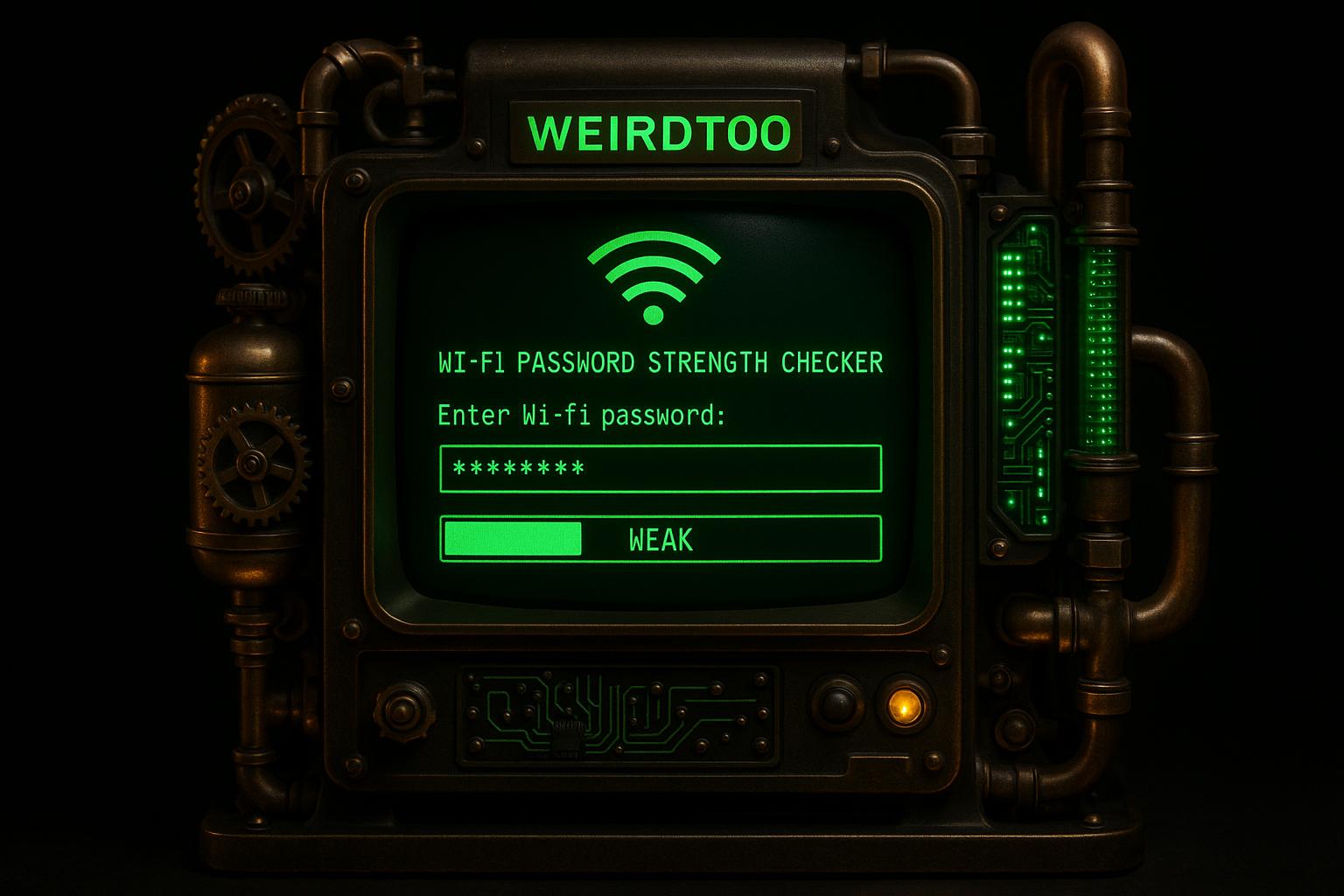
Wi-Fi Password Strength Checker
By weirdtoo·December 8, 2025·2 min read
Check your Wi-Fi password strength instantly! Enter your password to get a detailed analysis and tips to boost security. Totally private and free.
Wi-Fi Password Strength Checker
Boost Your Network Security with a Strong Wi-Fi Password
In today’s connected world, securing your home or office network is more important than ever. A vulnerable Wi-Fi password can be an open door for unauthorized access, putting your personal data at risk. That’s where a reliable password strength checker comes in handy. It’s a simple way to evaluate how well your current setup holds up against potential threats.
Why Password Strength Matters
Hackers often target weak passwords using brute-force attacks or guessing common phrases. If your network key is short or lacks variety, it might not stand a chance. Testing your Wi-Fi security with a dedicated tool can reveal gaps before they become problems. You’ll get insights into whether your password has the right mix of characters and length to deter intruders.
Tips for a Safer Network
Creating a robust password doesn’t have to be complicated. Start with something memorable but unique, then layer in complexity with symbols and numbers. Regularly checking your network’s defenses ensures you stay one step ahead. Take a moment to analyze your setup today—it’s a small step that can save you big headaches down the road.
FAQs
Does this tool store or transmit my Wi-Fi password?
Absolutely not. Your privacy is our priority. The analysis happens entirely on your device, in your browser. We don’t store, log, or send your password anywhere. Once you close the page, it’s gone for good.
What makes a Wi-Fi password strong?
A strong Wi-Fi password typically has at least 8 characters, but ideally 12 or more. It should mix uppercase and lowercase letters, toss in some numbers, and include special characters like ! or #. The more random and complex, the harder it is to crack. Our tool breaks this down for you with a clear score and feedback.
How can I improve a weak Wi-Fi password?
If your password scores low, don’t worry—there are easy fixes! Make it longer by adding more characters, and mix things up with capitals, numbers, and symbols. Avoid common words or predictable patterns like 'password123.' Think of a unique phrase and tweak it—something like 'Blue$ky2023!' works great. Our tool will show you exactly where to improve.
Related Weird Too links
Keep following this lane
Current contact path
Need Weird Network WiFi, custom apparel, or scoped help?
Use the contact form; removed product, checkout, research, and newsletter funnels stay offline.