Loading…
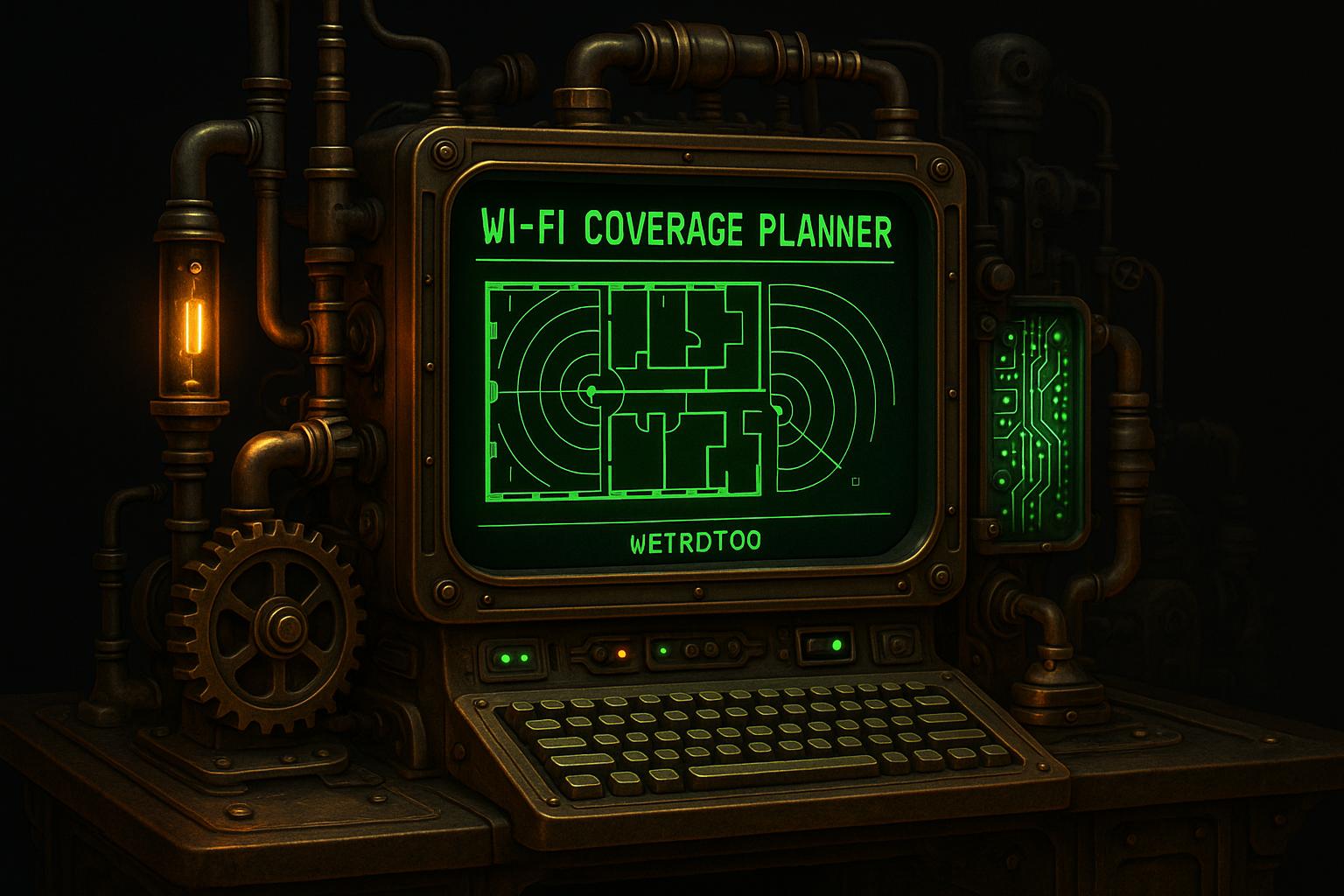
Wi-Fi Coverage Planner
By weirdtoo·December 8, 2025·2 min read
Plan your Wi-Fi coverage with our free tool! Input your space dimensions and obstacles to get optimal router placement for seamless connectivity.
Wi-Fi Coverage Planner
Optimize Your Network with a Wi-Fi Coverage Planner
Having a strong, reliable internet connection is non-negotiable these days, whether you’re streaming movies at home or running a busy office. But Wi-Fi dead zones can be a real headache, often caused by poor router placement or obstacles like walls. That’s where a tool to plan your wireless network setup comes in handy. It takes the frustration out of guessing where your routers should go, ensuring every room gets the signal strength you need.
Why Placement Matters
The layout of your space plays a huge role in how well your internet performs. A single router might be fine for a small apartment, but larger areas or places with lots of walls need a more strategic approach. By factoring in dimensions, barriers, and coverage goals, a network planning tool can suggest the ideal spots for access points. This means fewer dropped connections and faster speeds, even in tricky layouts. Plus, it saves you from buying more equipment than necessary. If you’ve been struggling with spotty Wi-Fi, taking a few minutes to map out your setup can make a world of difference.
FAQs
How does this tool calculate Wi-Fi signal strength?
Our planner uses a straightforward algorithm to estimate signal degradation. We assume a 30% drop in signal strength for every 10 feet beyond the initial 30 feet from the router. On top of that, each wall or obstacle reduces the signal by about 10%. This gives us a rough idea of how far your Wi-Fi can reach and helps us suggest the right number of routers and their positions for optimal coverage.
Can this tool help with large spaces like offices?
Absolutely! We’ve designed it to handle spaces of all sizes. For areas over 1,000 square feet, the tool automatically recommends additional routers—roughly one per 1,000 square feet. It’ll also suggest evenly spaced placements to ensure no corner of your office is left without a strong connection. Just plug in your dimensions, and we’ll do the rest.
Is the placement suggestion a visual map?
Right now, we provide a text-based description of where to place your routers, like 'central location for a single router' or 'evenly spaced along the length for multiple units.' It’s simple to follow and gives you a clear starting point. We’re working on adding a visual map feature soon, so stay tuned for updates!
Related Weird Too links
Keep following this lane
Current contact path
Need Weird Network WiFi, custom apparel, or scoped help?
Use the contact form; removed product, checkout, research, and newsletter funnels stay offline.