Loading…
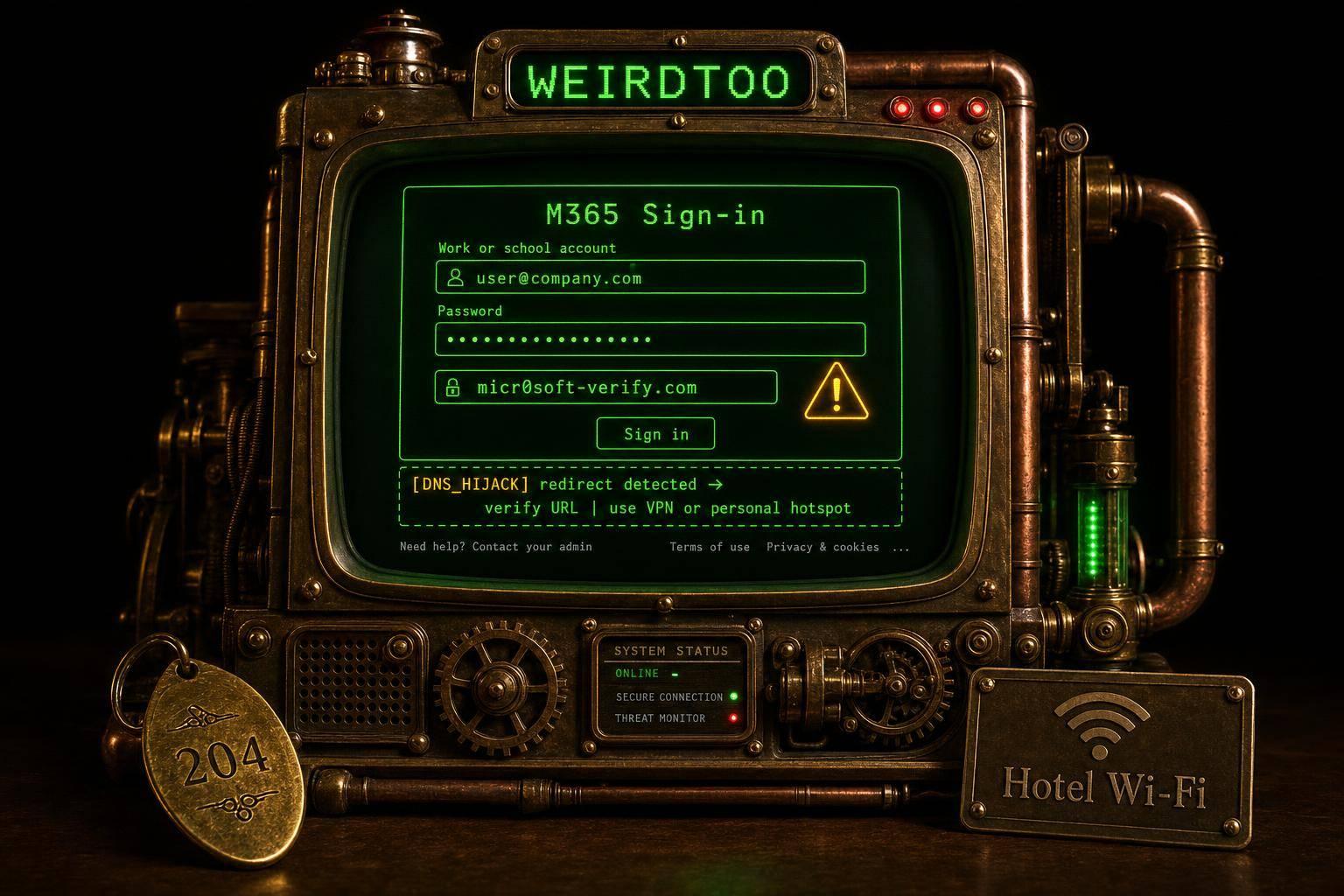
Hotel Wi-Fi phishing attack targets Microsoft 365 logins
By weirdtoo·August 3, 2026·3 min read
Hotel Wi‑Fi DNS hijacks redirect travelers to fake Microsoft 365 logins; use VPN, hotspots and verify URLs.
Hotel Wi-Fi phishing attack targets Microsoft 365 logins
Hackers are tampering with Wi-Fi equipment at hotels and conference centers to steer travelers toward fake Microsoft 365 login pages, according to cybersecurity company ReliaQuest. The campaign, active since at least June, poses a particular risk to business travelers who may connect to a familiar network and encounter what appears to be a routine Microsoft sign-in screen.
ReliaQuest said it found compromised Wi-Fi gateways in several U.S. cities. Organizations in financial services, professional services, legal, health care, energy and retail connected through the affected equipment, suggesting the attackers may be going after traveling employees rather than focusing on a single industry.
How the attack works
A Wi-Fi gateway manages how devices on a network reach the internet. If hackers gain administrative access, they can change the gateway’s Domain Name System settings, which direct browsers to web destinations.
In this campaign, ReliaQuest said, attackers altered that process so that someone trying to open a legitimate Microsoft login page could instead be sent to a fraudulent site. A device may still appear to be connected normally, and other websites may continue loading, making the redirection harder to spot before a user enters credentials.
ReliaQuest has not confirmed how the attackers first accessed the affected appliances. Researchers identified several possible paths, including administrative tools exposed to the internet, weak passwords, vulnerable web dashboards or poorly protected remote management services. Older Wi-Fi appliances may also contain known software flaws that attackers could exploit if updates were delayed.
sbb-itb-342b8b2
Fake portals and MFA bypass concerns
ReliaQuest said the attackers registered at least four domains for the fake Microsoft portals:
- m365-owa[.]com
- owa-ms365[.]com
- ms365-device[.]com
- ms365-live[.]com
The fake pages can collect a Microsoft 365 email address and password. A stolen account may expose business email, private documents and company cloud services. The account could also be used to impersonate an employee, creating opportunities for payment fraud, internal phishing or further attacks against coworkers and clients.
Some incidents also involved a device code authentication flow. In those cases, a user reached a fake Microsoft page displaying an authorization prompt that appeared legitimate. ReliaQuest said the attacker had already initiated an authentication session, so when the user approved the request, Microsoft issued a legitimate OAuth token to the attacker’s client.
The report said this approach can bypass multifactor authentication because the user completes the approval, causing the security system to treat it as a valid authorization.
Additional network activity observed
In roughly one-third of the cases, researchers said the attackers also attempted to abuse Web Proxy Auto-Discovery, or WPAD, which Windows can use to find network proxy settings automatically. According to the report, the attackers replied to those requests with a malicious proxy auto-configuration file.
ReliaQuest said it could not confirm whether those WPAD attempts succeeded. Still, the activity indicated the attackers may be seeking more than Microsoft login credentials.
Why public DNS may not be enough
The article said switching to a public DNS service such as Google’s 8.8.8.8 would not necessarily stop the attack. Traditional DNS requests travel across the network in plain text, allowing a compromised Wi-Fi gateway to forge the response before the request reaches the public resolver.
Encrypted DNS can provide stronger protection, the report said, but only if it is configured in strict mode so the device does not fall back to an unencrypted connection.
Steps travelers and companies can take
The source article said public Wi-Fi should be treated as an untrusted network. It recommended using an always-on full-tunnel VPN, using a phone’s hotspot for sensitive work when possible, verifying every Microsoft login address, and being cautious with device code requests.
It also said users should keep devices and browsers updated and use strong security software with web protection features enabled.
For organizations, ReliaQuest recommended disabling Microsoft Entra ID device code authentication when it is not needed, reviewing login records for unusual locations, unfamiliar devices or suspicious application approvals, and disabling WPAD where business systems do not require it.
The campaign underscores how a hotel or conference Wi-Fi network can appear normal while redirecting users to a fake Microsoft 365 login page. In the source article’s conclusion, Kurt "CyberGuy" Knutsson wrote: "This campaign shows how a hotel Wi-Fi network can look completely normal while sending you toward a fake Microsoft 365 login page."
Current contact path
Need custom apparel or scoped help?
Use the contact form; removed product, checkout, research, and newsletter funnels stay offline.