Loading…
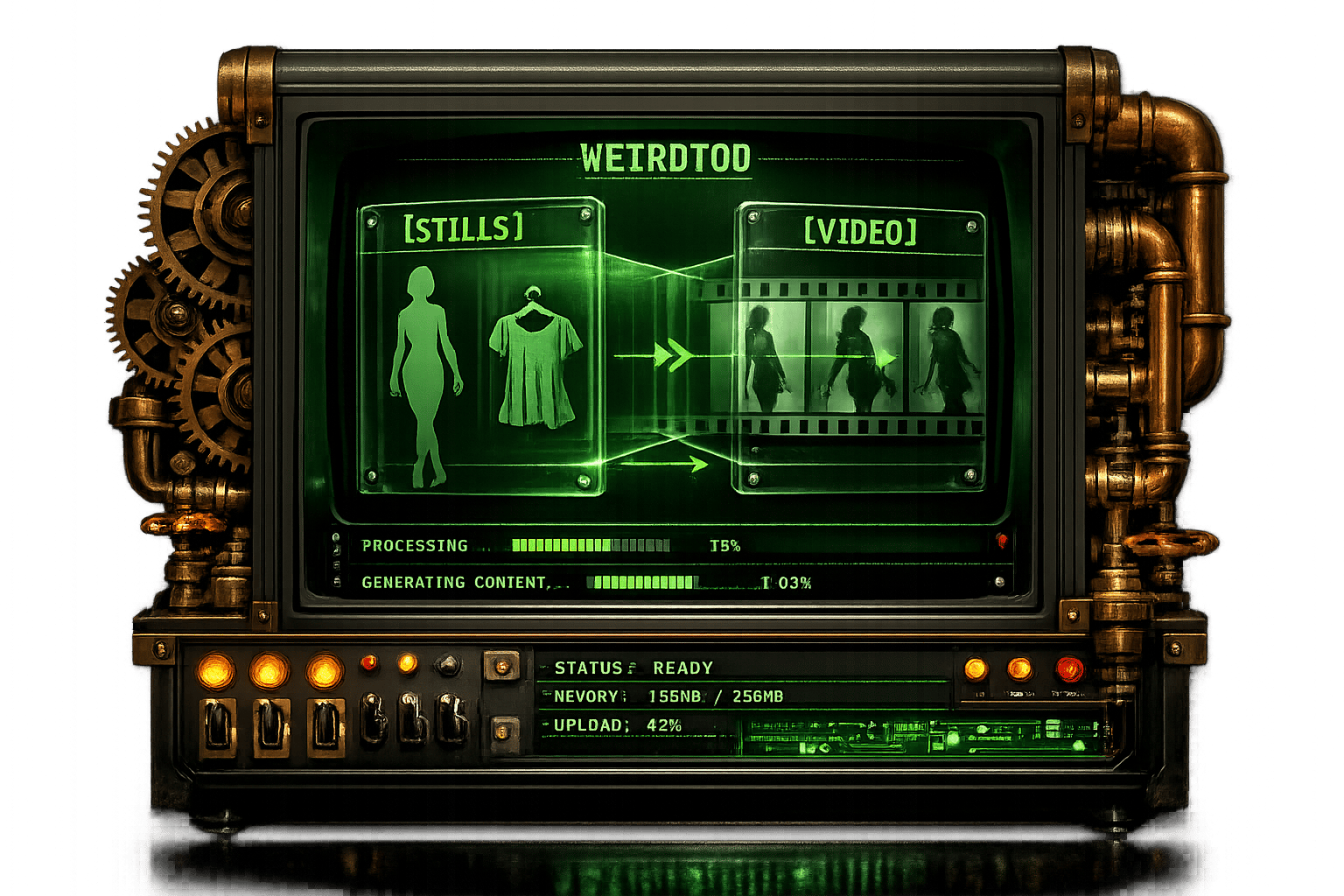
How to Create AI Fashion Ads: Stills & Video Workflow
By weirdtoo·April 25, 2026·5 min read
Learn how to create stunning AI-powered fashion ads with ease. Step-by-step guide for still images and video workflows using advanced tools.
How to Create AI Fashion Ads: Stills & Video Workflow
Imagine creating a high-end fashion campaign without stepping outside your home. No models, photographers, or expensive studio setups - just you, a laptop, and artificial intelligence (AI). This is no futuristic fantasy; it’s a transformative reality made possible by cutting-edge AI tools like LTX and Nano Banana Pro. For small business owners in underserved Wyoming communities, this technology offers a game-changing opportunity to craft professional visuals on a budget while amplifying connectivity and boosting income potential.
In this article, we’ll explore how to harness AI to create stunning fashion advertisements, both still and video, using step-by-step workflows. Whether you’re an entrepreneur looking to elevate your Wi-Fi services or a custom merchandise designer aiming to stand out with unique apparel, this guide will empower you to leverage AI for creativity and cost efficiency.
The Magic of AI in Fashion Campaigns
AI-driven tools are democratizing access to professional-grade visuals. Traditionally, creating a fashion advertisement meant hiring a team, scouting locations, and investing heavily in equipment. These barriers, however, are being dismantled. With platforms like LTX, small business owners can produce high-quality images and videos of models wearing any product - from custom hoodies to accessories - without leaving their desks.
This technology is especially valuable for budget-conscious entrepreneurs who want to:
- Save costs on traditional production methods.
- Scale their content creation quickly and easily.
- Stand out in a competitive market with unique, authentic visuals.
Here’s how to use AI tools like LTX’s Nano Banana Pro to craft remarkable fashion content step by step.
sbb-itb-342b8b2
Step 1: Build Your Element Library
Every great campaign starts with preparation. In this context, that means creating a library of "elements" - the building blocks for your AI-generated visuals.
What Are Elements?
Elements are the components of your fashion campaign, such as:
- Products: Images of clothing or accessories you want featured (e.g., hats, hoodies, or jeans).
- Characters: Photos of real-life models or AI-generated individuals.
- Locations: Backgrounds or environments for your visuals (e.g., a desert, cityscape, or beach).
How to Get Started:
- Gather Product Images: Take high-resolution photos or screenshots of items from your merchandise collection. For example, upload an image of a bright red hat or a fleece jacket.
- Select or Create Models: Upload photos of public figures, real-life models, or even yourself. For small businesses, it’s often more practical to use AI-generated models, as these lack the complications of likeness consistency and intellectual property concerns.
- Add Locations: Upload images of evocative settings like an Aurora Borealis sky, a pink lake, or even an arcade.
By organizing these components in advance, you’ll streamline the creative process when generating images and videos.
Step 2: Generate Still Images
Once your elements are ready, it’s time to combine them into polished visuals. LTX’s Nano Banana Pro offers immense control over this process, allowing you to customize details like outfits, poses, lighting, and even camera angles.
Generating Images: A Practical Walkthrough
- Set Up a Project: Name your campaign (e.g., "Winter Apparel Shoot") using the project settings.
- Craft Your Prompt: Combine your elements into a cohesive vision using descriptive prompts. For example:
- "Low-angle shot of Taylor Swift wearing the red hat, fleece, and khaki trousers. Fashion editorial shoot, casual pose, analog photography."
- Refine Settings:
- Choose your image resolution (e.g., 4K for maximum quality).
- Select an aspect ratio suited to your platform (16:9 for websites, 1:1 for Instagram).
- Adjust the number of variations for each image (e.g., generate three options).
- Review Results: Evaluate the AI-generated images for consistency and quality. If needed, tweak your prompt to correct inconsistencies (e.g., missing logo details or changes in color).
Pro Tip for Small Businesses
If you’re designing custom merchandise, use AI-generated models instead of celebrity likenesses. Since synthetic characters have no recognizable "real-world" appearance, they offer more control and fewer visual errors when generating diverse poses or video sequences.
Step 3: Bring Still Images to Life with AI Video
Static images are impactful, but video content takes your campaign to the next level. Dynamic visuals are perfect for social media, website headers, and digital ads. LTX enables seamless transitions from stills to videos.
Creating AI Videos: Key Steps
- Choose a Starting Frame: Select a generated still image as the base for your video.
- Set the Action: Use simple prompts to describe motion or scene dynamics, such as:
- "Slow dolly camera move back as Taylor Swift stands confidently."
- "Crane camera move up to reveal the scale of the desert environment."
- Select Video Settings:
- Resolution: 4K for professional quality.
- Length: Typically, 8–10 seconds works well for social media clips.
- Number of Variations: Generate multiple options to ensure you get the perfect result.
- Evaluate Results: Keep in mind that video AI still has limitations, particularly when working with well-known public figures. Experiment with synthetic models or edit specific parts of a video (e.g., adjusting movement or facial expressions) for greater accuracy.
Leveraging AI for Efficiency and Creativity
The combined capabilities of AI-generated images and videos empower small business owners to:
- Create campaigns that rival large-scale productions without breaking the bank.
- Target specific audiences with visually consistent and customized content.
- Showcase their products in imaginative ways, from surreal landscapes to dramatic lighting setups.
For Wyoming-based entrepreneurs serving rural communities, this technology offers even more value. By eliminating traditional production costs, businesses can reallocate resources toward community upliftment or expanding customer offerings.
Key Takeaways
- Affordable Professionalism: AI tools like Nano Banana Pro allow small businesses to produce high-quality fashion visuals at a fraction of traditional costs.
- Streamlined Creativity: Build a library of elements (products, characters, and locations) to simplify the creative process.
- Dynamic Campaigns: Use descriptive prompts to generate both static images and engaging video content.
- Synthetic Models for Consistency: AI-generated characters provide flexibility and error reduction in visuals.
- Scalability: Easily adapt campaigns for different platforms and resolutions, whether for social media, websites, or print.
- Collaboration-Free Creation: No need for models, photographers, or film crews - perfect for entrepreneurs working alone or on tight budgets.
Closing Thoughts
The integration of AI into fashion advertising is not just a technological innovation - it’s a lifeline for small businesses striving to compete in a digital-first economy. By mastering tools like LTX and Nano Banana Pro, Wyoming entrepreneurs can transcend geographic and financial limitations to craft campaigns that inspire and connect.
Whether you’re marketing Wi-Fi services in rural trailer parks or designing custom merchandise for quirky, fun-loving customers, AI empowers you to tell your story in vivid, unforgettable ways. The future of creative advertising is here - make it yours.
Source: "How to Make Fashion Ads with AI (MIND BLOWING)" - Jack Vs. AI, YouTube, Dec 9, 2025 - https://www.youtube.com/watch?v=J_u-XYM1Mng
Current contact path
Need Weird Network WiFi, custom apparel, or scoped help?
Use the contact form; removed product, checkout, research, and newsletter funnels stay offline.