Loading…
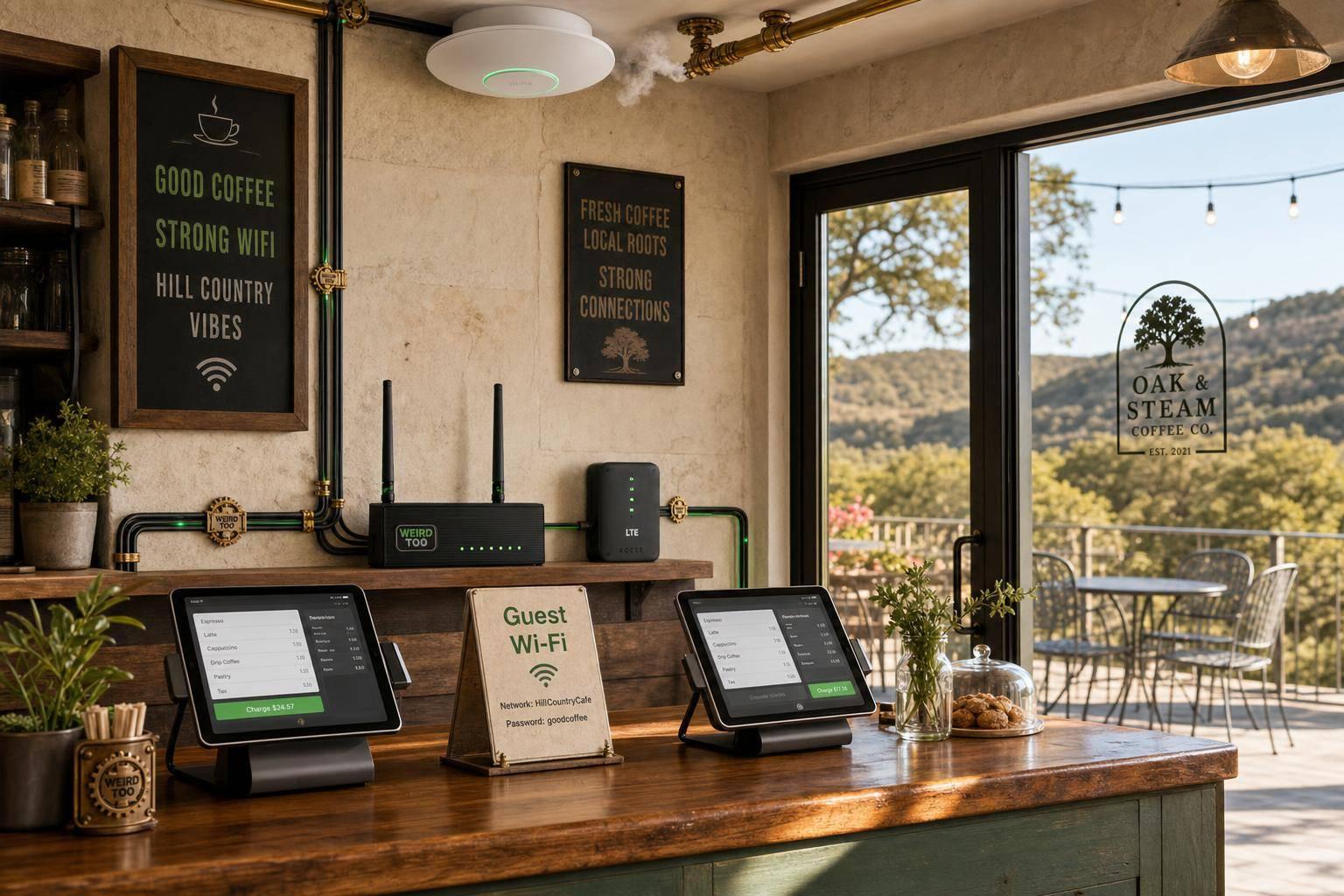
Affordable Network Equipment for Local Cafés Owners in Texas Hill Country
By weirdtoo·August 1, 2026·9 min read
Budget routers, Wi‑Fi 6 APs, and LTE failover to keep POS, guest Wi‑Fi, and patio coverage reliable for Hill Country cafés.
Affordable Network Equipment for Local Cafés Owners in Texas Hill Country
Affordable Network Equipment for Local Cafés Owners in Texas Hill Country
A practical buying and setup guide for local café owners in Texas Hill Country that recommends affordable networking gear for reliable Wi‑Fi, POS, guest access, security, and easy expansion. The article emphasizes business-friendly features like mesh support, VLANs, guest portals, PoE, VPN, failover, and centralized management for non-technical users in underserved areas. It addresses the unique connectivity challenges of the Hill Country — rolling limestone terrain, tree cover, and limited wired broadband — by favoring gear with cellular/LTE failover, mesh expansion, and outdoor-friendly coverage for patios and detached seating areas.
Business Type
Local Café
Region
Texas Hill Country
Region-Specific Connectivity Challenges
Texas Hill Country cafés face a distinctive set of connectivity challenges. The region is roughly 4,500 square miles of classic rolling hill country — remote, expansive, and pocked by springs, streams, and rivers — with unique rolling topography that makes it tough to reliably deliver network service. Most ISPs in the area rely on point-to-point fixed wireless technology that requires line of sight, which is a big problem when trees or hills are in the way; one local provider learned this the hard way after installing point-to-point links in winter that stopped working once trees leafed out in spring. As a result, providers now combine point-to-point, LTE blanket coverage, and off-grid cellular hotspots to reach the most remote customers. Broadband options are limited and often slow: many Hill Country businesses were stuck on hotspots, and even where fiber is nearby, the buildout from the highway to a café can cost $20,000 or more. Speeds from satellite and older fixed wireless can drop to 4–5 Mbps and degrade further during peak tourism weekends (Oktoberfest, wildflower season, Wine & Wildflower Trail) when tower congestion spikes. Extreme weather — thunderstorms, hailstorms, and tornadoes — regularly disrupts service, so cellular/LTE failover is not optional. Building materials add a second layer of difficulty: thick limestone and stone walls, metal roofing, long corridors, and detached outdoor patios common to Hill Country cafés weaken wireless performance and create dead zones. Coverage planning must account for the property layout, not just the router box. Together, these factors mean café networks need gear that can handle unstable upstream service, keep POS and guest Wi‑Fi running during outages, and still push signal through heavy construction to outdoor seating areas.
Types of Network Equipment Covered
- Router
- Access Point
- Security Gateway
- VPN Gateway
- Wi-Fi Gateway
- PoE Gateway
- Mesh Wi-Fi System
Recommended Products
- ASUS ExpertWiFi EBR63
- TP-Link ER605
- TP-Link ER706W
- TP-Link ER706WP-4G
- TP-Link ER706W-4G
- TP-Link Festa FR307-M2
- TP-Link Omada EAP670
- TP-Link EAP613
- Linksys Velop
Key Features
- Wi‑Fi 6
- Dual-Band
- Mesh Support
- Guest Network
- VLAN Support
- PoE Support
- VPN Support
- Load Balancing
- Failover
- Cloud Management
- Security Gateway
- USB/LTE Backup
Product Recommendations & Rationale
For a local café in Texas Hill Country, the ASUS ExpertWiFi EBR63 is the simplest all-in-one starting point because it combines router, switch, and security gateway functions, supports up to 5 SSIDs, VLANs, a guest portal, and site-to-site VPN, and is explicitly positioned as cost-effective for small businesses on a budget. It runs Wi‑Fi 6 up to 3,000 Mbps, supports up to 100 connected devices, and includes AiProtection Pro security at no extra charge — ideal for a single-room Hill Country café where the owner wants one box to manage staff, guest, IoT, POS, and management networks. The TP-Link ER605 is a strong budget security gateway option if the café wants a dedicated gateway with centralized cloud management, strong VPN support, and firewall features — useful when the café already has a separate access point and just needs a reliable, affordable gateway to sit between the ISP modem and the LAN. The TP-Link ER706W is better when the café needs a Wi‑Fi 6 gateway with mesh support, guest networking, and LTE backup via USB for rural outage resilience — a common need in the Hill Country where fixed wireless and DSL upstream links can drop during storms. If wired PoE devices (such as outdoor patio APs, security cameras, or receipt printers) or extra indoor access points are needed, the TP-Link ER706WP-4G adds PoE+ ports plus 4G failover for a more scalable small-business build — well suited to cafés with detached patio seating across a stone walkway. For cafés in especially unreliable broadband areas, the TP-Link ER706W-4G is a good continuity-focused choice because it combines 4G/LTE and Ethernet WAN load balancing with centralized cloud management — important where Hill Country ISPs use point-to-point fixed wireless that can be blocked by spring tree growth or hill shadows. The TP-Link Festa FR307-M2 is another low-complexity option for café owners who want business-class VPN, load balancing, and mobile broadband backup via USB modem, with a management model aimed at small businesses — a good fit for non-technical owners who want a simple dashboard. For larger cafés or those wanting to extend coverage to outdoor patios, the TP-Link Omada EAP670 access point (paired with an Omada gateway and a small PoE switch) supports up to 250 concurrent devices per AP, includes a 5-year warranty, and can be ceiling- or wall-mounted to push signal through the thick limestone and stone walls common in Hill Country buildings. The TP-Link EAP613 is a lower-cost alternative offering about 1,250 ft² coverage and 250+ wireless clients. For ISPs, local providers such as Hill Country Web (Spicewood) recommend a Linksys Velop mesh system to extend Wi‑Fi across the property, and VGI Technology offers fixed wireless plans up to 400 Mbps starting at $44.99/month that work across the hills, valleys, and backroads of the region without depending on long underground runs.
Performance Metrics
Recommended products and key metrics for a small Texas Hill Country café: - ASUS ExpertWiFi EBR63: AX3000 dual-band Wi-Fi 6 (2,402 Mbps on 5 GHz + 574 Mbps on 2.4 GHz), 1× WAN + 4× LAN Gigabit ports, USB 3.2 + USB 2.0, supports up to 5 SSIDs, VLANs, guest portal, site-to-site VPN, 1.7 GHz quad-core processor, 512 MB RAM. - TP-Link ER605 V2: Gigabit multi-WAN VPN router, up to 3 WAN Ethernet ports + 1 USB WAN, SPI firewall, Omada SDN, up to 945 Mbps throughput, supports IPSec/L2TP/PPTP/OpenVPN, load balancing. - TP-Link Festa FR307-M2: 2× 2.5G + 5× Gigabit ports (including 1 SFP), 1× USB 2.0 for 4G/3G modem backup, load balancing on up to 6 WAN ports, 500,000 concurrent sessions, IPsec VPN throughput ~673 Mbps, OpenVPN ~135 Mbps, free cloud management via Festa app. - TP-Link ER706W: AX3000 dual-band Wi-Fi 6 (2,402 Mbps on 5 GHz + 574 Mbps on 2.4 GHz), 1× Gigabit SFP WAN/LAN + 1× Gigabit WAN + 4× Gigabit LAN/WAN, USB 3.0 for LTE dongle, Omada Mesh, WireGuard/IPSec/SSL/OpenVPN/PPTP/L2TP VPN, 150,000 concurrent sessions. - TP-Link EAP613: AX1800 ceiling-mount Wi-Fi 6 access point, 1,201 Mbps on 5 GHz + 574 Mbps on 2.4 GHz, ~1,250 ft² coverage, 250+ concurrent clients, up to 16 SSIDs, captive portal, Omada Mesh, 802.3at PoE powered. Typical café-sized options support Wi-Fi 6 speeds around AX3000/AX1800 class, with guest-network features, VLAN support, and enough capacity for small business use.
Setup Difficulty
Easy to Moderate
Step-by-Step Setup Instructions
- Place the main router/gateway near the center of the café, as ASUS recommends for limited-space cafés, and keep the ISP modem/ONT close to the network core.
- Connect the modem/ONT to a business router or gateway (EBR63, ER605, ER706W, or Festa FR307-M2), then connect a PoE switch if you are using separate access points, printers, or cameras.
- Add one ceiling- or wall-mounted access point (e.g., TP-Link EAP613) for small cafés, or add more APs if the café has dead zones or a larger floor plan.
- Power the AP via 802.3at PoE from the gateway/switch, or use the included DC adapter if no PoE is available.
- Create separate Wi-Fi networks for staff, guests, and any payment or IoT devices, using VLANs or SSIDs where supported (EBR63 supports up to 5 SSIDs; EAP613 supports up to 16).
- Wire fixed devices such as POS terminals, printers, and security cameras with Ethernet whenever possible for reliability.
- If your rural Hill Country connection is unstable, plug a 4G/LTE USB dongle into the ER706W or Festa FR307-M2 USB port and enable dual-WAN or cellular backup so the café can stay online during an outage.
- For guest Wi-Fi, enable isolation/captive portal features (supported on EBR63 and EAP613) and test the network before opening hours.
- Save a simple diagram of which port connects to each device so future changes are easier.
- For a simple one-device approach, ASUS ExpertWiFi EBR63 is positioned as an all-in-one router/switch/security gateway for small businesses; TP-Link's Omada café/store designs pair a gateway with a PoE switch and EAP access point for a more expandable setup.
Troubleshooting Tips
- If the Wi-Fi signal is weak in parts of the café, add a second EAP613 access point and use Omada Mesh or wire it back to the gateway via Ethernet for backhaul.
- For frequent disconnects on rural Hill Country connections, enable USB LTE dongle failover on the ER706W or Festa FR307-M2 so the café stays online when the primary ISP drops.
- If guest Wi-Fi is slow, enable client isolation and a captive portal with bandwidth limits, and split staff, POS, and guest traffic onto separate SSIDs/VLANs.
- If the gateway becomes unreachable, power-cycle the modem, then the gateway, then the AP, and check that the WAN LED is lit before contacting TP-Link business support at 1-844-287-4762.
- If POS terminals drop off the network, wire them to the gateway's LAN port with Ethernet rather than relying on Wi-Fi for reliability.
- For outdoor patio coverage, mount an EAP613 under the eave or use a weatherproof outdoor AP, and connect it via mesh to the indoor AP to avoid running Ethernet outside.
- Keep firmware updated via the Omada or Festa cloud management app to patch security issues and improve stability.
Price Range
$ (Budget to Mid-range). Individual units range from about $60 (TP-Link ER605) to $183 (TP-Link Festa FR307-M2), with the ASUS ExpertWiFi EBR63 around $116 and the TP-Link ER706W around $131–$180. A typical small café build lands in the $116–$280 range.
Total Cost of Ownership (Estimated 3 Years)
$280
Cost Comparison
For a small Texas Hill Country café, the ASUS ExpertWiFi EBR63 (~$116) is the simplest all-in-one starting point because it combines router, switch, and security gateway functions in one box, reducing complexity and cost versus buying separate components. The TP-Link ER605 (~$60) is the cheapest dedicated security gateway option if the café already has a separate access point or wants centralized Omada cloud management. The TP-Link Festa FR307-M2 (~$183) is a step up, offering 2.5G multi-gigabit ports, USB LTE dongle backup, and free cloud management aimed at small businesses. The TP-Link ER706W (~$131–$180) is the best value when Wi-Fi 6 with mesh expansion and USB LTE failover is needed for rural Hill Country connectivity. Adding a TP-Link EAP613 access point (~$96–$113) costs about $100 more but gives proper ceiling-mounted coverage of ~1,250 ft² and supports 250+ concurrent clients, which is important for cafés with seating areas. Compared to consumer mesh kits (e.g., Linksys VELOP recommended by Hill Country Web), these business gateways offer VLANs, guest portals, captive portals, and VPN support that consumer gear lacks, at a similar or lower total price. The cheapest viable build (ER605 + EAP613) runs ~$160, while a more capable build (EBR63 alone) is ~$116, and a fully featured build (ER706W + EAP613) is ~$230–$280.
Scalability Advice
Start with one compact all-in-one unit (ASUS ExpertWiFi EBR63) if the café is small, then add a PoE switch and extra EAP-series access points as seating area, patio, or back-room devices grow. If you expand to multiple rooms or a second location, move to a modular system with VLANs, cloud management (Omada or Festa), and more APs so you can add coverage without redesigning the network. For rural Hill Country businesses, plan for cellular or second-WAN backup early so expansion does not depend on a single fragile internet link — the ER706W and Festa FR307-M2 both support USB LTE dongles for failover. Omada Mesh on the ER706W and EAP613 lets you wirelessly extend coverage to a patio or outdoor seating area without running new cables.
Support and Warranty
TP-Link business products: Omada gateways (including ER605, ER706W, Festa FR307-M2) carry a 5-year limited warranty; Omada access points (including EAP613) carry a 5-year limited warranty. TP-Link USA business technical support is available toll-free at 1-844-287-4762, with RMA replacement options including Standard (free, customer ships back first) and Advanced replacement (with convenience fees of $14.99 Basic, $24.99 2-Day, or $49.99 Next-Day). ASUS ExpertWiFi EBR63: Limited warranty of 1 to 3 years depending on country/region of purchase (US typically 2–3 years for business networking products). Warranty covers defects in materials or workmanship under normal use; does not cover software, third-party products, or damage from improper handling. ASUS support is handled via the ASUS support website, product registration, and regional service centers; warranty service is only valid in the country of purchase.
Where to Buy
Related Weird Too links
Keep following this lane
Current contact path
Need Weird Network WiFi, custom apparel, or scoped help?
Use the contact form; removed product, checkout, research, and newsletter funnels stay offline.