Loading…
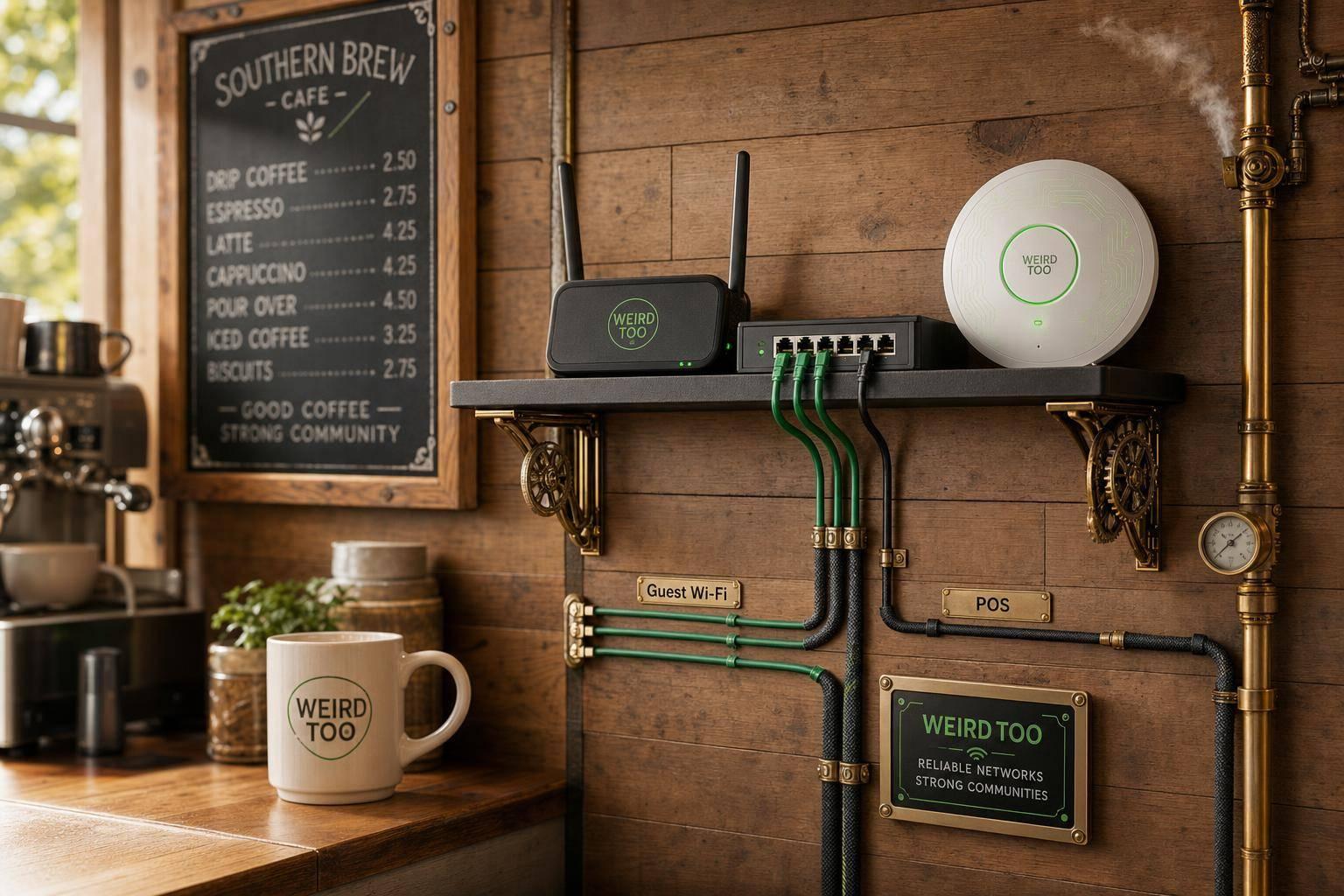
Affordable Network Equipment for Local Cafés Owners in Southern Communities
By weirdtoo·July 4, 2026·4 min read
Budget-friendly network gear and setup tips for rural Southern cafés to keep Wi‑Fi reliable, secure POS, and enable guest access.
Affordable Network Equipment for Local Cafés Owners in Southern Communities
Affordable Network Equipment for Local Cafés Owners in Southern Communities
A practical buying and setup guide for local café owners in rural and Southern communities that recommends affordable networking gear for reliable Wi-Fi, POS systems, guest access, network security, and easy expansion. The guide is designed to help owners address limited broadband options, larger coverage areas, and high sensitivity to outages by focusing on features like mesh support, VLANs, guest portals, PoE, and LTE/USB backup failover.
Business Type
Local Café
Region
Southern Communities and Rural America
Region-Specific Connectivity Challenges
Local cafés in Southern and rural communities face limited broadband availability, slower infrastructure deployment, and a high vulnerability to internet service outages. These challenges require network setups that support multi-WAN load balancing and automated cellular/LTE failover to keep point-of-sale (POS) systems running during upstream provider failures. Additionally, spread-out configurations require cost-effective coverage expansion options, such as mesh networks or Power over Ethernet (PoE) access points.
Types of Network Equipment Covered
- Router
- Switch
- Security Gateway
- Access Point
Recommended Products
- ASUS ExpertWiFi EBR63
- TP-Link ER706W
- TP-Link ER605
- TP-Link Festa FR307-M2
- TP-Link ER706W-4G
- TP-Link ER706WP-4G
- TP-Link EAP613
Key Features
- Wi-Fi 6
- Dual-Band
- Mesh Support
- Guest Network
- VLAN Support
- PoE Support
- VPN Support
- Load Balancing
- Failover
- Cloud Management
- Security Gateway
- USB/LTE Backup
Product Recommendations & Rationale
For a small local café, the ASUS ExpertWiFi EBR63 serves as an excellent all-in-one starting point because it combines router, switch, and security gateway functions into a single device without recurring subscription fees. It supports up to 5 SSIDs, VLANs, and custom guest portals. If the café prefers a modular, dedicated gateway, the TP-Link ER605 offers great value with centralized cloud management, firewall protection, and multi-WAN load balancing. For establishments requiring robust cellular backup against rural or regional service drops, the TP-Link ER706W (Wi-Fi 6 with USB LTE backup support) or the TP-Link ER706W-4G and TP-Link ER706WP-4G (which adds built-in 4G/LTE failover and PoE+ ports) ensure the point-of-sale system stays online. For low-complexity management, the TP-Link Festa FR307-M2 provides small-business-class VPN and mobile broadband backup via USB. Pairing these gateways with an access point like the TP-Link EAP613 ensures wide wireless coverage and high client capacity for guests.
Performance Metrics
The recommended systems support Wi-Fi 6, dual-band connectivity, mesh expansion, VLAN isolation, guest networks with captive portals, PoE support, VPN capabilities, and load balancing with USB/LTE cellular failover for rural outage resilience.
Setup Difficulty
Easy to Moderate
Step-by-Step Setup Instructions
- Place the main router or gateway near the center of the café to maximize coverage, keeping the ISP modem or ONT close to the network core.\n2. Connect the modem/ONT to your business router or gateway, then connect a PoE switch if you are using separate access points, printers, or cameras.\n3. Add one ceiling or wall-mounted access point for small cafés, or add more APs if the café has dead zones or a larger floor plan.\n4. Create separate Wi-Fi networks for staff, guests, and payment/IoT devices using VLANs or SSIDs.\n5. Wire fixed devices such as POS terminals, printers, and security cameras with Ethernet cables whenever possible to ensure maximum reliability.\n6. Set up dual-WAN or cellular backup using a USB modem or LTE gateway to keep the café online if the primary rural broadband connection drops.\n7. Enable isolation and captive portal features on your guest Wi-Fi network and test the configuration before opening hours.\n8. Save a simple diagram detailing which ports connect to each device to simplify future maintenance.
Troubleshooting Tips
If your primary broadband connection goes down, verify that your secondary dual-WAN or cellular LTE backup has automatically rorouted traffic. For weak coverage or dead spots in larger seating areas or patios, relocate your main router or add compatible mesh nodes. Always ensure the guest network has isolation enabled so customers cannot access your POS system or private business data. Keep device firmware updated through the manufacturer's mobile app or cloud management platform to maintain high security.
Price Range
Budget to Mid-range
Total Cost of Ownership (Estimated 3 Years)
$350
Cost Comparison
For a small café, an all-in-one device like the ASUS ExpertWiFi EBR63 reduces upfront hardware and management costs by combining router, switch, and security gateway functions without subscription fees. A modular TP-Link Omada setup costs more upfront because it requires a separate gateway, PoE switch, and access points, but it scales better and lowers replacement risk over time. These small-business systems are highly cost-effective compared to enterprise solutions, offering critical features like VLANs and guest isolation at a fraction of the cost.
Scalability Advice
Start with a compact all-in-one unit like the ASUS EBR63 if the café is small. As seating areas, patios, or back-room devices expand, add a PoE switch and extra access points. If the business grows to multiple rooms or secondary locations, transition to a modular system (such as TP-Link Omada) using VLANs, cloud management, and dedicated APs. Rural southern businesses should implement cellular or secondary WAN backup early to ensure expansion is not dependent on a single fragile broadband link.
Support and Warranty
Typically includes a 1-year to 3-year limited manufacturer hardware warranty with basic online troubleshooting, chat support, and firmware updates. No expensive recurring software subscriptions are required for standard operations.
Where to Buy
Related Weird Too links
Keep following this lane
Current contact path
Need Weird Network WiFi, custom apparel, or scoped help?
Use the contact form; removed product, checkout, research, and newsletter funnels stay offline.