Loading…
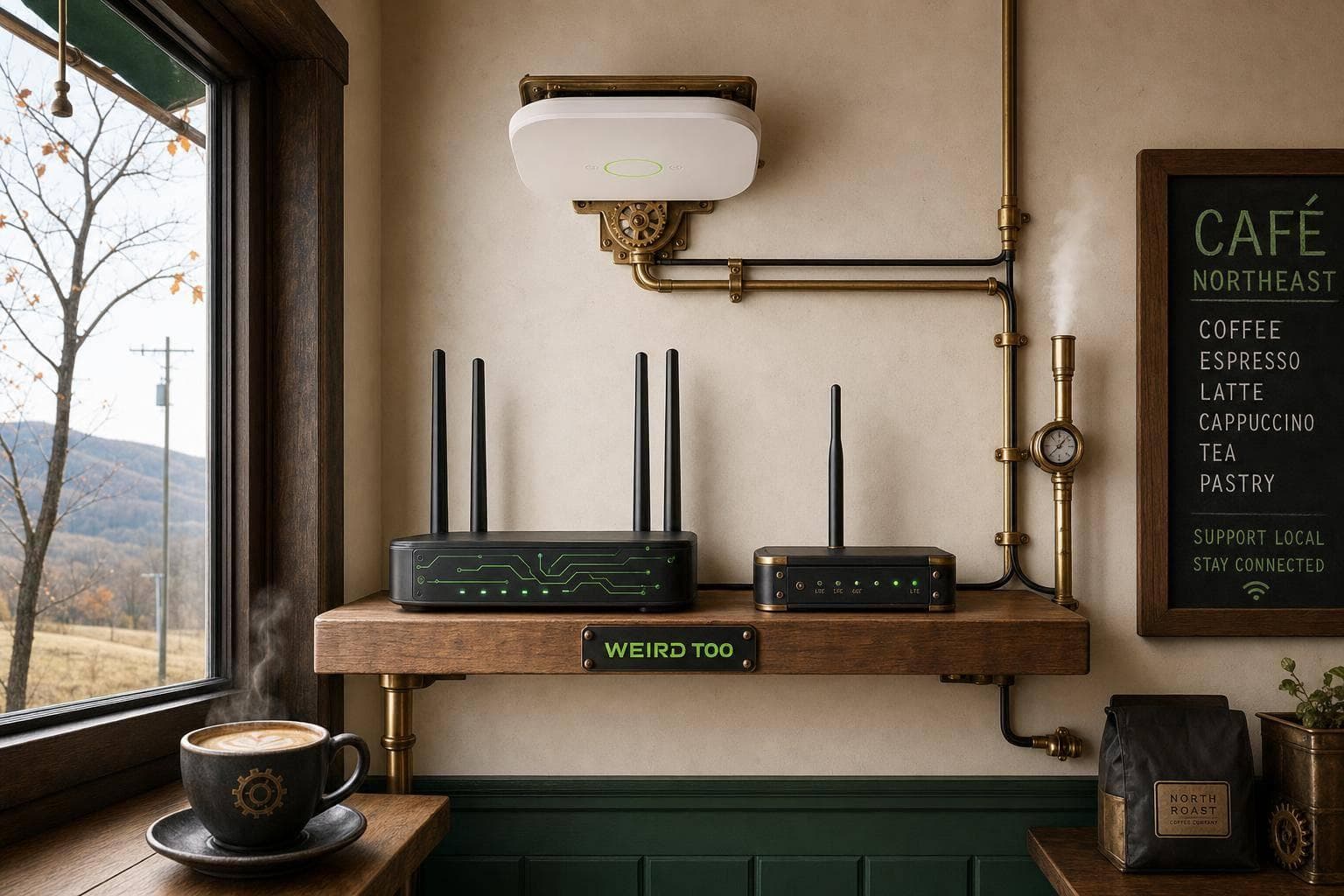
Affordable Network Equipment for Local Cafés Owners in Northeast Rural Areas
By weirdtoo·July 18, 2026·5 min read
Practical guide to affordable routers, access points, and cellular failover for cafés in underserved Northeast rural areas.
Affordable Network Equipment for Local Cafés Owners in Northeast Rural Areas
Affordable Network Equipment for Local Cafés Owners in Northeast Rural Areas
A practical buying, deployment, and setup guide tailored for local café owners in rural and underserved areas, with a focus on affordable networking gear. The article provides actionable hardware advice for setting up reliable Wi-Fi, secure point-of-sale (POS) systems, guest portals, and scalable backhaul to overcome rural connectivity limitations.
Business Type
Local Café / Coffee Shop
Region
Northeast Rural Areas (including rural communities and underserved locations across Northeast America, such as Vermont's Northeast Kingdom and remote Maine)
Region-Specific Connectivity Challenges
Rural Northeast areas are characterized by highly fragmented broadband infrastructure, rugged terrain, and a lack of consistent high-speed fixed-line internet. In many remote Northeast towns, cafés face high sensitivity to WAN outages, limited upstream speed options, and complete signal drops. These challenges demand networking equipment with robust load balancing, mesh capabilities to cover spread-out historic buildings, and cellular failover/USB backup (LTE or Starlink integration) to keep payment systems (POS) online when primary DSL, fiber, or cable links drop.
Types of Network Equipment Covered
- Router
- Switch
- Access Point
- Security Gateway
Recommended Products
- ASUS ExpertWiFi EBR63
- TP-Link ER706W
- TP-Link ER605
- TP-Link Festa FR307-M2
- TP-Link ER706W-4G
- TP-Link ER706WP-4G
Key Features
- Wi-Fi 6
- Dual-Band
- Mesh Support
- Guest Network
- VLAN Support
- PoE Support
- VPN Support
- Load Balancing
- Failover
- Cloud Management
- Security Gateway
- USB/LTE Backup
Product Recommendations & Rationale
Recommended Hardware Options * ASUS ExpertWiFi EBR63: Serves as the ultimate all-in-one budget starting point. It integrates router, switch, and security gateway functions into a single cost-effective device. It supports up to 5 SSIDs, VLANs, custom guest captive portals, and secure VPNs without requiring ongoing subscription fees.
- TP-Link ER605: An ultra-budget dedicated security gateway. Ideal for cafés that want to build a modular system (such as TP-Link Omada) with centralized cloud management, robust firewall configurations, and secure VPN support.
- TP-Link ER706W: A great choice when the café needs a built-in Wi-Fi 6 gateway supporting mesh expansion, separate guest networking, and robust mobile broadband failover using a USB cellular modem.
- TP-Link ER706W-4G: Specially designed for highly unreliable broadband zones, this gateway incorporates a built-in 4G/LTE slot to provide cellular failover and load balancing with the primary wired connection.
- TP-Link ER706WP-4G: Combines 4G/LTE cellular backup capabilities with integrated PoE+ (Power over Ethernet) ports, allowing owners to directly power additional IP cameras or access points without extra adapters.
- TP-Link Festa FR307-M2: A business-class VPN gateway offering simplified load balancing, mobile broadband backup via USB, and a low-complexity management interface tailored specifically for non-technical small business owners.
Performance Metrics
ASUS ExpertWiFi EBR63: Supports Wi-Fi 6 (AX3000 dual-band), handles up to 5 SSIDs/VLANs, and features built-in security and custom guest portals. \n\nTP-Link ER706W-4G: Features AX3000 Wi-Fi 6, built-in 4G/LTE cellular backup (Cat6), supports Omada Mesh, and has robust VPN / load-balancing capabilities.\n\nTP-Link ER605: Wired gigabit router with up to 3 WAN ports and 1 USB WAN port for multi-broadband load balancing and reliable business-class VPN throughput.
Setup Difficulty
Easy to Moderate
Step-by-Step Setup Instructions
- Place the main router or gateway near the center of the café to maximize coverage, keeping the ISP modem or optical network terminal (ONT) nearby.\n2. Connect the modem/ONT's Ethernet cable directly into the designated WAN port of your business router (such as the ASUS ExpertWiFi EBR63 or TP-Link ER706W).\n3. If you are using dedicated access points, cameras, or POS terminals, connect a PoE (Power over Ethernet) switch to one of the LAN ports on your router.\n4. Power on the devices and download the companion manufacturer app (ASUS ExpertWiFi or TP-Link Omada) on your smartphone.\n5. Follow the app's on-screen wizard to configure the internet connection and establish separate, secure Wi-Fi networks (SSIDs) using VLANs: one for staff/internal POS, one for IoT devices, and one for guests.\n6. For rural reliability, connect a backup cellular USB dongle or a SIM card (into LTE-supported units like the ER706W-4G) to establish failover routing in case primary broadband drops.\n7. Customize your guest network by enabling a captive portal/welcome screen with your café's branding and agreements. Save a physical diagram of your network ports for easy troubleshooting later.
Troubleshooting Tips
If the Wi-Fi signal is weak or dropping in specific corners of your café, relocate the central router away from metal appliances, refrigerators, and brick walls. If the primary internet goes down, ensure your backup cellular connection is active and that the dual-WAN load balancing/failover policies are properly enabled in the administration panel. For secure guest isolation, double-check that your VLAN configurations are enabled so guests cannot search or access your POS or internal payment terminals. Keep your router firmware updated to the latest version via the companion app to maintain active security patches.
Price Range
Budget to Mid-range
Total Cost of Ownership (Estimated 3 Years)
$350
Cost Comparison
The recommended equipment represents highly cost-effective, budget-friendly options that skip complex enterprise overhead. At approximately $150, the ASUS ExpertWiFi EBR63 serves as an affordable, all-in-one hub (router, switch, and gateway) without requiring additional fees for security subscriptions. In contrast, TP-Link's Omada ecosystem lets owners buy piece-by-piece: the wired ER605 VPN Router costs around $50, which when combined with a $60 to $100 Access Point provides a highly modular and customizable network. For locations needing integrated cellular backup to survive outages, the TP-Link ER706W-4G sits around $300, avoiding the steep subscription fees of enterprise-grade cellular failover routes like Cisco Meraki.
Scalability Advice
To scale the network as your café grows, both recommended brands support seamless expansion. For ASUS, owners can add extra nodes using ExpertWiFi AiMesh to expand Wi-Fi coverage across a larger floor plan or outdoor patio. For TP-Link Omada devices, users can easily integrate dedicated hardware controllers, PoE switches, and ceiling-mounted EAP Access Points under a single cloud-managed dashboard, allowing the business to support hundreds of simultaneous guest devices and automated VLAN segmentation.
Support and Warranty
ASUS provides a 3-year commercial warranty along with web, chat, and phone support. TP-Link's Omada business-class routers and gateways (such as the ER605 and ER706W-4G) generally feature limited lifetime warranties or 5-year warranties depending on region, along with 24/7 technical support and a zero-license cloud management dashboard.
Where to Buy
Related Weird Too links
Keep following this lane
Current contact path
Need Weird Network WiFi, custom apparel, or scoped help?
Use the contact form; removed product, checkout, research, and newsletter funnels stay offline.