Loading…
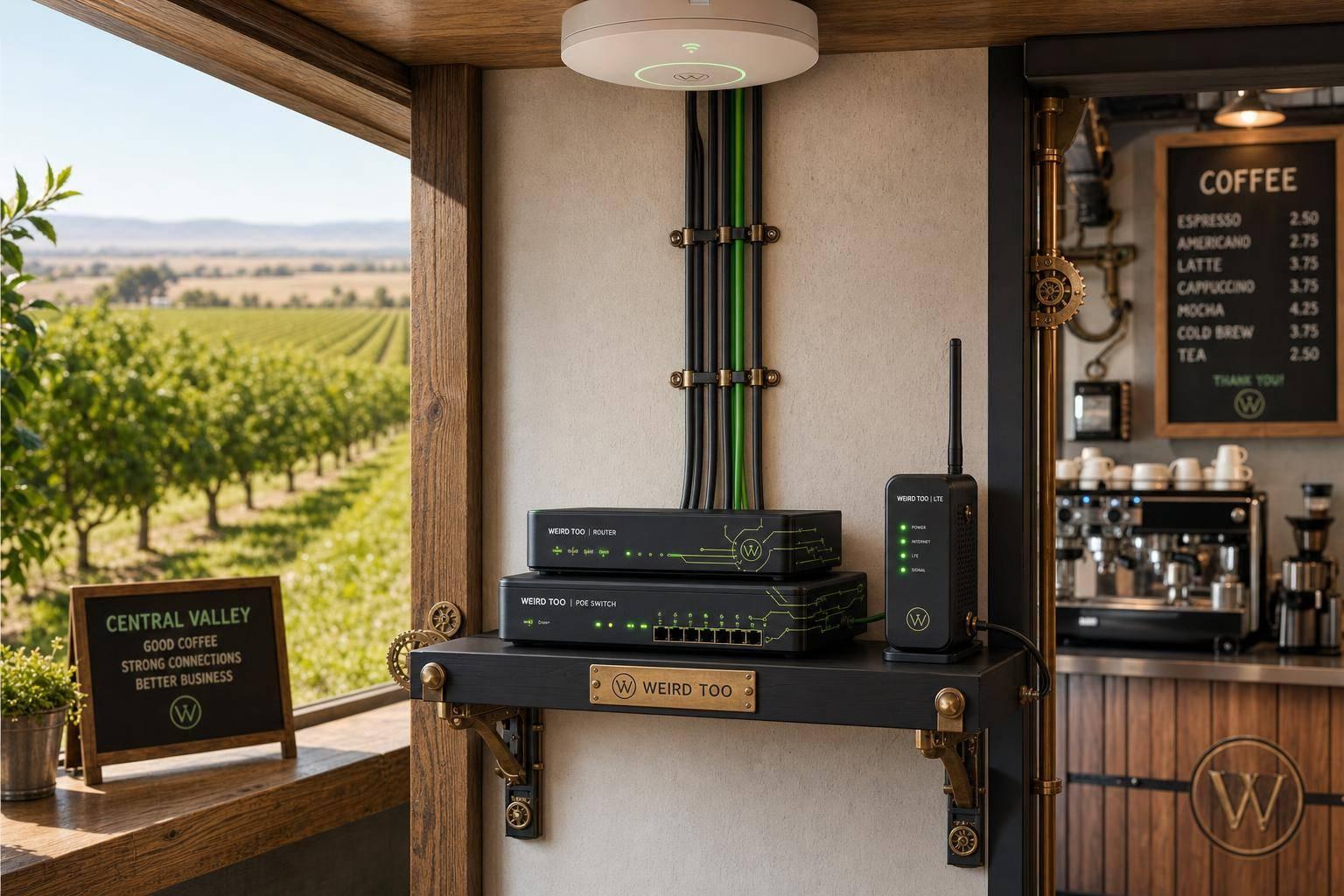
Affordable Network Equipment for Local Cafés Owners in Central Valley California
By weirdtoo·August 8, 2026·6 min read
Buying and setup guide for affordable, reliable Wi‑Fi, PoE, VLANs and LTE backup for small Central Valley cafés.
Affordable Network Equipment for Local Cafés Owners in Central Valley California
Affordable Network Equipment for Local Cafés Owners in Central Valley California
A practical buying and setup guide for local café owners in California’s Central Valley. It focuses on affordable, easy-to-manage networking for point-of-sale systems, staff devices, customer guest Wi‑Fi, and future expansion. The recommended approach is to begin with a compact all-in-one business gateway for a small café, then add managed switching, PoE, additional access points, VLAN segmentation, and cellular or second-WAN backup as coverage and reliability needs increase.
Business Type
Local café
Region
Central Valley (San Joaquin Valley), California
Region-Specific Connectivity Challenges
The Central Valley includes rural and remote communities that have historically faced a digital divide, limited broadband availability, weak wireless signals, and infrastructure gaps. Reports describe rural San Joaquin Valley areas as having marginal hotspot performance caused by weak cell-tower signals and low-quality antennas, while broadband infrastructure has not consistently reached isolated communities and businesses. Inland and difficult-to-reach terrain can also increase the cost and difficulty of deploying and maintaining fiber. A café in a smaller or underserved Central Valley community should therefore favor reliable wired connectivity for POS, strong indoor coverage, simple troubleshooting, and an LTE/4G or second-WAN backup where the local ISP is unreliable. Mesh or an additional wired access point may be needed for patios, back rooms, or elongated storefronts.
Types of Network Equipment Covered
- Router
- Security Gateway/Firewall
- Managed PoE Switch
- Wi‑Fi Access Point
- Wi‑Fi Extender or Mesh Node
- 4G/LTE Failover Device
Recommended Products
- ASUS ExpertWiFi EBR63
- TP-Link ER605
- TP-Link ER706W
- TP-Link Festa FR307-M2
- TP-Link ER706W-4G
- TP-Link ER706WP-4G
- Netgear GS308EP
- Aruba Instant On AP22
- Ubiquiti UniFi Cloud Gateway Ultra
- Ubiquiti UniFi U6 Lite
Key Features
- Wi‑Fi 6 and dual-band wireless
- Guest Wi‑Fi with captive portal and client isolation
- VLAN support for staff, guest, POS, and IoT traffic
- Firewall, NAT, VPN, and security-gateway functions
- Mesh and additional access-point support
- PoE support for wired access points and devices
- 4G/LTE or USB modem failover
- WAN load balancing
- Cloud or centralized management
- Hardwired POS connectivity
- Budget-conscious, subscription-free entry option
Product Recommendations & Rationale
For a small café, start with the ASUS ExpertWiFi EBR63 as the simplest low-cost all-in-one option: it combines routing, switching, and security functions and supports multiple SSIDs, VLANs, guest access, and VPN features without requiring a separate controller subscription. Choose the TP-Link ER605 when the priority is a dedicated, economical security gateway with VPN, firewall, and centralized management; pair it with a separate access point and managed switch. Choose the TP-Link ER706W when the café needs Wi‑Fi 6, mesh expansion, guest networking, and USB LTE backup. The ER706W-4G is better for locations where continuity is especially important because it supports 4G/LTE and Ethernet-WAN load balancing. The ER706WP-4G adds PoE+ ports, making it suitable for cafés adding wired access points or cameras. TP-Link Festa FR307-M2 is another relatively simple business gateway choice with VPN, load balancing, and mobile-broadband backup. For a more modular installation, use an 8-port managed PoE switch with one or two cloud-managed Wi‑Fi 6 access points, such as the Netgear GS308EP and Aruba Instant On AP22. Keep the POS terminal on wired Ethernet and isolate staff, guest, and POS/operations traffic with separate VLANs; enable guest client isolation and rate limiting to protect business systems and preserve bandwidth. Estimated hardware costs are budget to mid-range: a one-unit deployment is the least expensive, while a modular gateway/switch/AP design costs more initially but scales better.
Performance Metrics
Recommended baseline: ASUS ExpertWiFi EBR63 for a small café, with up to five SSIDs, VLANs, guest portal, VPN, and expandable ASUS ExpertWiFi coverage. For a larger or busier café, pair a TP-Link ER605 gateway with one or more EAP613 Wi-Fi 6 access points; the EAP613 is rated for 250+ wireless clients and approximately 1,250 square feet of coverage. Use a separate Gigabit or 2.5-Gigabit switch for POS terminals, printers, cameras, and access points. D-Link DBR-560 is a higher-end alternative with AX6000-class Wi-Fi 6, up to 4,804 Mbps on 5 GHz and 1,148 Mbps on 2.4 GHz, while DBR-700 offers a 2.5GbE WAN and eight 2.5GbE ports.
Setup Difficulty
Easy for the ASUS ExpertWiFi EBR63 or a basic all-in-one deployment; moderate for an Omada, Festa, or UniFi modular system because it requires gateway, switch, access-point, VLAN, and failover configuration; advanced if professional cabling, multiple APs, captive-portal customization, or detailed firewall policies are added.
Step-by-Step Setup Instructions
- Confirm the internet service works at the café and place the main router near the center of the customer area, away from refrigerators, ovens, thick walls, and metal shelving.
- Connect the router’s Internet/WAN port to the modem or provider box, plug it in, and wait for the status light to stabilize.
- Use the mobile or web setup guide to change the administrator password and install the latest firmware.
- Create separate network names: POS/admin, staff, guest Wi-Fi, and—if supported—cameras or other IoT devices. Give guests Internet-only access and do not share the POS password.
- Connect the POS terminal, receipt printer, office computer, and cameras to the router or switch with Ethernet where practical; wired connections are more reliable for transactions and video.
- If the café is larger than the router’s coverage area, install one access point in the weak area and connect it by Ethernet. Give it the same staff network name, or adopt it through the manufacturer’s app/controller.
- Test a card transaction, receipt printing, camera viewing, employee login, and guest browsing before opening.
- Record the router password, ISP support number, equipment serial numbers, and a simple cable map. Recheck firmware and backup connectivity monthly.
Troubleshooting Tips
If Wi-Fi is weak, move the router higher and more centrally, remove nearby metal or appliances, and add a wired access point rather than repeatedly repositioning a wireless extender. If POS or cameras disconnect, test them with Ethernet, check the switch and cable, and keep them on the staff/POS network rather than guest Wi-Fi. If guests consume all bandwidth, enable guest isolation and bandwidth limits. If the whole café loses Internet, reboot the modem and router once, check the ISP outage page, and use LTE/4G failover if installed. For intermittent problems, update firmware, replace damaged cables, check for overheating, and record whether the failure affects one device or every device. Do not factory-reset equipment until configuration details are backed up.
Price Range
Budget to mid-range ($$); approximately $100–$250 for a straightforward single-router setup, or about $250–$500 for a gateway, access point, switch, and optional backup connectivity. Premium mesh/business bundles can exceed $450.
Total Cost of Ownership (Estimated 3 Years)
$350
Cost Comparison
For a small Central Valley café, the best value is an ASUS ExpertWiFi EBR63 all-in-one setup: it avoids buying a separate router, gateway, and controller, and ASUS states that its business software has no subscription fee. A more expandable Omada setup—TP-Link ER605 gateway plus EAP613 access point and a small PoE/Gigabit switch—costs more initially but is preferable if the café needs separate wired POS/camera equipment, additional access points, centralized management, or LTE failover. Premium mesh systems such as D-Link DBR-560 or Netgear Orbi Pro provide stronger expansion and segmentation, but their higher purchase price is harder to justify for a single-location café. Because Central Valley businesses report unreliable service, slow speeds, limited provider choice, and difficulty running POS and security cameras simultaneously, reserve budget for wired backhaul and optional cellular backup rather than spending only on peak Wi-Fi speed.
Scalability Advice
Start with one centrally placed business router and a separate guest network. Add a wired access point when the seating area, patio, kitchen, or outdoor ordering area has weak coverage; prefer Ethernet backhaul over wireless repeating. As staff and IoT devices grow, separate POS/admin, employee, guest, and camera/IoT traffic with VLANs or SSIDs, then add a managed PoE switch for cameras and access points. If outages threaten sales, add a supported 4G/LTE or USB-modem failover gateway. ASUS allows expansion with ExpertWiFi products; Omada and Orbi Pro provide more structured centralized expansion.
Support and Warranty
Warranty and support vary by model and seller. ASUS lists a three-year manufacturer warranty for its ZenWiFi XD6 and promotes subscription-free ExpertWiFi software; verify the EBR63’s U.S. warranty terms before purchase. Netgear Orbi Pro documentation lists a five-year limited hardware warranty but notes that some Insight features require a subscription and that complimentary technical support is limited. Netgear’s PR60X lists a limited lifetime hardware warranty. Buy from an authorized reseller and retain the receipt; confirm U.S. support availability rather than relying on a Canada-region product page.
Where to Buy
Related Weird Too links
Keep following this lane
Current contact path
Need Weird Network WiFi, custom apparel, or scoped help?
Use the contact form; removed product, checkout, research, and newsletter funnels stay offline.