Loading…
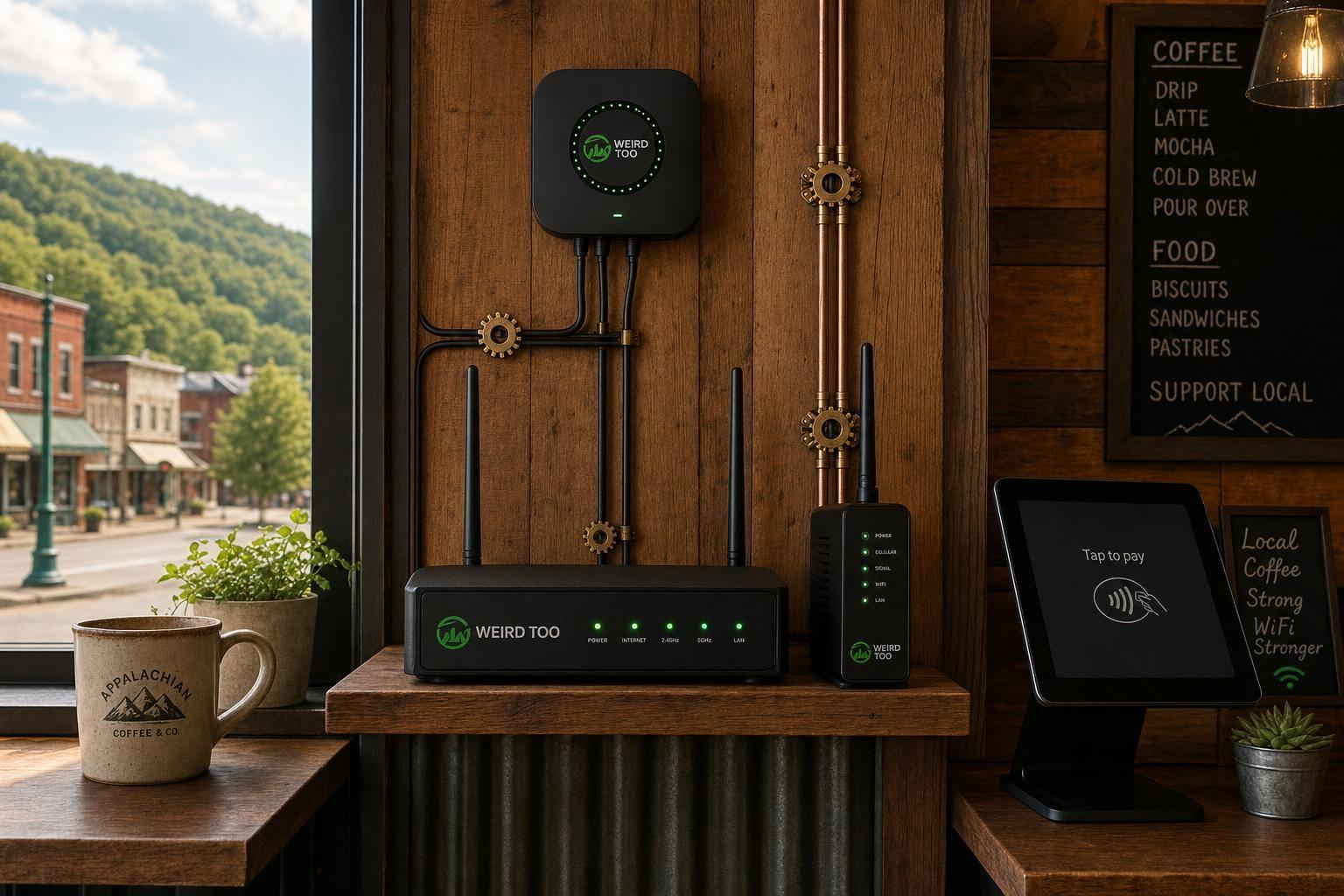
Affordable Network Equipment for Local Cafés Owners in Appalachian Regions
By weirdtoo·June 27, 2026·6 min read
Affordable routers, access points, and cellular failover tips to keep Appalachian cafés' Wi‑Fi and POS systems reliable.
Affordable Network Equipment for Local Cafés Owners in Appalachian Regions
Affordable Network Equipment for Local Cafés Owners in Appalachian Regions
An in-depth article tailored for local café owners in Appalachian regions, providing affordable network equipment recommendations (including routers, switches, and cellular failovers) and setup advice to help non-technical business owners secure reliable Wi-Fi and keep Point-of-Sale (POS) systems running amidst rural infrastructure challenges.
Business Type
Local Café / Coffee Shop
Region
Appalachian Regions (Rural America)
Region-Specific Connectivity Challenges
Appalachian café owners must navigate complex regional challenges that make traditional wired internet difficult and expensive to establish. Dense forest cover, steep mountainous terrain, and old masonry or concrete building structures cause significant wireless signal attenuation. Rural infrastructure deficits also mean that high-speed fiber or broadband options are often unavailable, forcing businesses to rely on spotty cellular signals or satellite connections. Furthermore, frequent regional power outages caused by extreme winter weather necessitate network hardware with cellular failover capabilities and integrated battery backups to ensure payment processing (POS) systems never go offline.
Types of Network Equipment Covered
- Router
- Access Point
- Switch
- Cellular Failover Device
- Wi-Fi Extender
Recommended Products
- Ubiquiti UniFi AP AC Lite
- InHand Networks CR602 5G Router
- TP-Link RE715X AX3000 Wi-Fi Extender
- Netgear Nighthawk M5 (MR5200)
- GL.iNet Mudi V2 (GL-E750V2)
- TP-Link TL-SG108 8-Port Switch
- Starlink Satellite Terminal
Key Features
- Dual Band WiFi
- Cellular Failover Support
- Guest Network Isolation / VLAN Support
- Power over Ethernet (PoE) Support
- WPA3 Security Encryption
- Cloud Management Compatibility
Product Recommendations & Rationale
The guide highlights several budget-friendly options to maintain reliable retail connectivity in the Appalachian area: 1. Ubiquiti UniFi AP AC Lite (or AC Pro for larger/outdoor spaces): Excellent and affordable access points to distribute wireless signals reliably through thick historic or masonry walls, supporting up to 35-50 concurrent guest devices without degrading private network speeds.
2. InHand Networks CR602 5G Router: A compact cellular-redundant router that is highly suitable for rural coffee shops needing a backup connection or alternative to unreliable wired broadband. It features cellular failover, integrated battery backup, and built-in network segmentation to keep transactions secure.
3. Netgear Nighthawk M5 (or GL.iNet Mudi / Puli for lower budgets): Ideal cellular modems/routers to provide backup internet via 4G/5G mobile carriers.
4. TP-Link Range Extenders (e.g., RE715X AX3000): Budget-friendly devices to extend coverage across seating areas or outdoor patios using dual-band Wi-Fi 6.
5. Starlink Business Kits / Guest Internet Systems (GIS) Kits: A viable alternative for remote mountainous Appalachian regions with severe broadband deficits. This setup routes stable satellite internet through dedicated guest billing and voucher control systems.
6. Gigabit Ethernet Switches (e.g., TP-Link 8-Port Switch): A low-cost way to ensure Point-of-Sale (POS) terminals, receipt printers, and employee laptops remain hardwired and completely separated from the guest Wi-Fi network.
Performance Metrics
- Router (TP-Link ER605): Supports up to 3 wired WAN connections for multi-ISP load balancing or failover, and has 25,000 concurrent sessions capacity with SPI Firewall security.
- Switch (TP-Link TL-SG2008P): 8 Gigabit RJ45 ports with 4 PoE+ ports supporting up to 62W of total power budget, enough to power multiple access points or IP cameras without local wall outlets.
- Access Point (TP-Link Omada EAP613): Dual-band Wi-Fi 6 with speeds up to 1.8 Gbps (1201 Mbps on 5 GHz and 574 Mbps on 2.4 GHz). It covers up to 1,250 square feet and easily supports 100+ concurrent guest and IoT devices.
- Total System Capacity: Capable of handling typical local cafe bandwidth needs (50 to 150 Mbps) and separating guest traffic from internal POS networks to meet PCI-DSS security standards.
Setup Difficulty
Moderate
Step-by-Step Setup Instructions
- CONNECT THE HARDWARE: Connect your primary internet source (e.g., Starlink modem or a local WISP/DSL receiver) to the WAN Port (Port 1) of the TP-Link ER605 Router using an Ethernet cable. If you have a backup cellular hotspot or secondary ISP, connect it to WAN/LAN Port 2.
- LINK THE SWITCH: Connect any LAN port (Port 4 or 5) of the ER605 router to Port 8 of the TP-Link TL-SG2008P Switch.
- POWER THE ACCESS POINT: Mount the EAP613 Access Point on a central ceiling location in the cafe. Run an Ethernet cable from one of the PoE+ Ports (Ports 1 through 4) on the TL-SG2008P Switch directly to the Ethernet port on the back of the EAP613. The switch will automatically deliver both power and internet data through this single cable.
- SYSTEM BOOT AND CONFIGURATION: Plug in the power adapters for the router and switch. Download the TP-Link Omada app on your smartphone or log in via a web browser connected to the local network (default IP is 192.168.0.1).
- CONFIGURE GUEST & BUSINESS NETWORKS: Follow the setup wizard in the Omada app to build two separate wireless networks (SSIDs):
- 'Cafe_Business' (WPA3-secured for your POS terminal, back-office computer, and receipt printers).
- 'Cafe_Guest_WiFi' (unsecured or password-protected with a splash portal landing page to keep customers isolated from your secure transaction network).
Troubleshooting Tips
- Intermittent Customer Wi-Fi: If guests report slow speeds or dropouts, log in to the Omada app and ensure that 'Load Balancing' is active on the router. Bandwidth-limit guest devices (e.g., limit each user to 10 Mbps download / 2 Mbps upload) so that single customers streaming video do not exhaust the entire rural network's capacity.
- POS Terminals Losing Connection: Ensure your POS system is connected to the 'Cafe_Business' Wi-Fi band and configured with local IP isolation turned OFF for that specific SSID, while keeping 'Guest Network Isolation' turned ON for customer Wi-Fi. This blocks guests from accessing the POS while ensuring transaction tablets can freely communicate with the kitchen ticket printer.
- Total Internet Outages: Check the physical connection lights on your router's WAN ports. If the primary Appalachian fiber or satellite link goes down, ensure your dual-WAN failover is properly enabled on the ER605 so that the router instantly switches the cafe's traffic to the backup 4G/5G cellular hotspot.
- Power Fluctuations: Because rural and mountainous Appalachian grids are prone to brief brownouts and lightning strikes, always plug your router, switch, and ISP modems into a high-quality Uninterruptible Power Supply (UPS) with battery backup and surge protection to prevent device damage and connection drops during minor power anomalies.
Price Range
Budget to Mid-range ($200 - $600 upfront for network gear)
Total Cost of Ownership (Estimated 3 Years)
$6355
Cost Comparison
The proposed TP-Link Omada setup is significantly more cost-effective than enterprise equivalents. A comparable Cisco Meraki or Aruba Instant On solution easily costs $800 to $1,500 upfront and requires ongoing, expensive monthly subscription licenses to function. By contrast, the TP-Link hardware requires a one-time capital expense of roughly $235 and features a free cloud management ecosystem with zero recurring licensing fees. The primary recurring operational cost is the internet connection itself. Utilizing a Starlink Standard connection ($120/month) paired with a $50/month cellular backup (like T-Mobile Home Internet) provides highly resilient dual-WAN failover for $170/month, ensuring the cafe's POS and customer Wi-Fi remain uninterrupted even if a primary satellite or cellular link goes down in rural Appalachian terrains.
Scalability Advice
As your Appalachian cafe grows or expands to a larger footprint (such as adding an outdoor patio or a second floor), scalability is straightforward and inexpensive:
- Expansion of Wi-Fi Coverage: Simply purchase and mount another TP-Link EAP613 (approx. $85). It integrates seamlessly with the existing network over PoE and supports wireless mesh if running Ethernet cables to the patio is too difficult.
- Centralized Management: You can scale from local device management to the TP-Link Omada Cloud Standard (free software/cloud) or buy an OC200 hardware controller ($99) to manage up to 130 devices across multiple sites from a single dashboard.
- Wired Port Expansion: If you add IP cameras, VoIP phones, or extra POS terminals, replace the 8-port switch with a 16-port or 24-port TP-Link Smart PoE switch (e.g., TL-SG2210P) to expand physical connections without rewriting your network logic.
Support and Warranty
TP-Link offers a highly competitive Limited Lifetime Warranty for its business-grade Omada line (including the ER605 router, TL-SG2008P switch, and EAP613 access point). They provide free 24/7 technical support via phone, live chat, and an active online community forum, which is ideal for small business owners in remote Appalachian areas who do not have access to on-site IT technicians. Starlink offers a standard 1-year hardware warranty and digital customer support via the Starlink mobile application.
Where to Buy
Related Weird Too links
Keep following this lane
Current contact path
Need Weird Network WiFi, custom apparel, or scoped help?
Use the contact form; removed product, checkout, research, and newsletter funnels stay offline.