Loading…
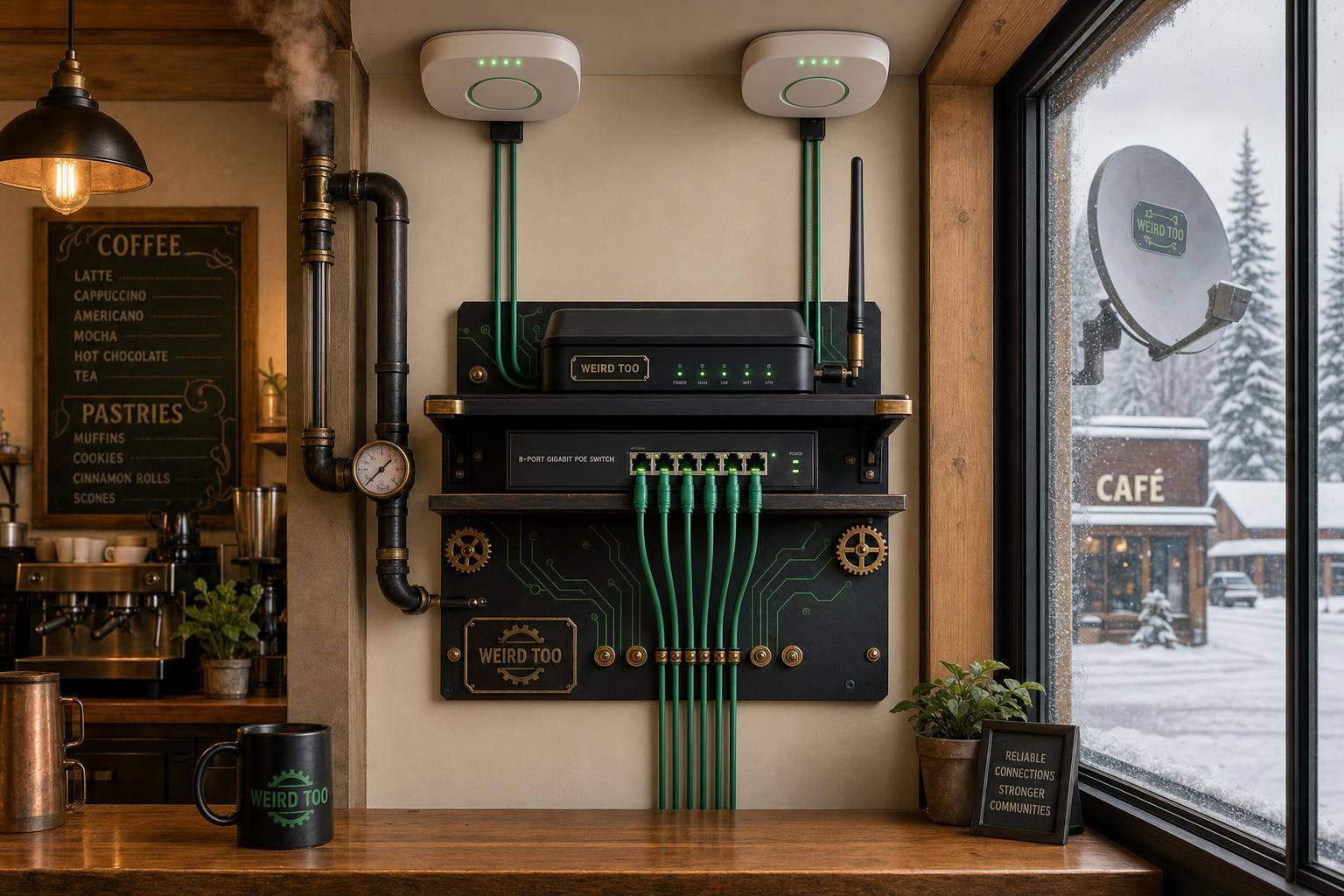
Affordable Network Equipment for Local Cafés Owners in Alaskan Communities
By weirdtoo·July 25, 2026·3 min read
Affordable business-grade routers, PoE switches, and Wi‑Fi setups for rural Alaska cafés with cellular and satellite backup.
Affordable Network Equipment for Local Cafés Owners in Alaskan Communities
Affordable Network Equipment for Local Cafés Owners in Alaskan Communities
This article provides guidance for small café owners in Alaska on selecting and setting up affordable, reliable network equipment, addressing the unique challenges of rural connectivity and the need for business-grade features like guest network isolation and backup internet.
Business Type
Local Cafés
Region
Alaska, with a focus on rural and remote communities.
Region-Specific Connectivity Challenges
Alaska faces significant connectivity challenges due to its vast size, rugged terrain, permafrost, and reliance on subsea fiber cables that are prone to damage. Remote areas often experience frequent outages and limited broadband availability, making reliable backup solutions like cellular failover or LEO satellite (e.g., Starlink) essential for business continuity.
Types of Network Equipment Covered
- Router/Gateway
- PoE Switch
- Wireless Access Point (AP)
- Security Device
Recommended Products
- ASUS ExpertWiFi EBR63
- TP-Link Omada ER605 Gateway
- TP-Link EAP225 Access Point
Key Features
- Dual-WAN/Cellular Backup for stability
- VLAN support for network segmentation (Guest/Staff/POS)
- Captive Portal for guest Wi-Fi
- PoE support for flexible installation
- Cloud/App-based management
Product Recommendations & Rationale
For a simple, all-in-one solution, the ASUS ExpertWiFi EBR63 is recommended as it combines router, switch, and security gateway functions in a single device, making it ideal for limited-space cafés. For more complex or expandable needs, a TP-Link Omada setup is recommended, pairing a gateway (such as the ER605) with a PoE switch and EAP access points (like the EAP225). These solutions are cost-effective and support essential business features like VLANs and guest portals.
Performance Metrics
The ASUS ExpertWiFi EBR63 supports Wi-Fi 6 (AX3000), up to 100 devices, and 5 SSIDs. For more demanding environments, the TP-Link ER706W-4G provides AX3000 Wi-Fi 6, centralized cloud management, and critical 4G/LTE failover capabilities to maintain connectivity during ISP outages.
Setup Difficulty
Moderate; the guide provides step-by-step instructions for non-technical users, including physical placement, wiring, and basic configuration of VLANs and guest networks.
Step-by-Step Setup Instructions
- Connect your modem to the router's WAN port and power on both devices. 2. Use a computer to access the web interface (e.g., http://expertwifi.net for ASUS) or the companion mobile app. 3. Follow the Quick Internet Setup (QIS) wizard to auto-detect your ISP connection. 4. Configure separate SSIDs for staff, guests, and POS systems to ensure network isolation. 5. For advanced setups, enable features like captive portals or bandwidth limits via the management dashboard.
Troubleshooting Tips
If experiencing connectivity issues, first reboot your modem and router. For rural areas with unstable internet, prioritize equipment with 4G/LTE failover capabilities. Ensure your router is placed centrally, away from metal obstructions, and keep firmware updated to maintain security and performance. If using a guest portal, verify that bandwidth limits are correctly configured to prevent single-user congestion.
Price Range
$ to $$$ (Budget-friendly routers start around $150; professional-grade satellite and failover solutions can exceed $2,500).
Total Cost of Ownership (Estimated 3 Years)
$450
Cost Comparison
The ASUS ExpertWiFi EBR63 is a highly cost-effective, all-in-one solution for small cafés at approximately $150, requiring no monthly subscriptions. In contrast, more robust setups like the TP-Link Omada ecosystem or Starlink Business plans involve higher upfront costs (e.g., $2,500 for Starlink high-performance hardware) and ongoing monthly fees, though they offer superior reliability and performance for remote or high-demand environments.
Scalability Advice
Start with an all-in-one router like the ASUS EBR63 for small spaces. As the business grows, transition to a modular system like TP-Link Omada, which allows for adding multiple access points, PoE switches, and dedicated gateways to ensure seamless coverage and centralized management across larger areas.
Support and Warranty
ASUS ExpertWiFi devices typically include built-in security features like AiProtection Pro without monthly fees. For managed solutions, providers like Alaska Communications offer dedicated small business support bundles, while Starlink Business provides priority customer support queues.
Where to Buy
Related Weird Too links
Keep following this lane
Current contact path
Need Weird Network WiFi, custom apparel, or scoped help?
Use the contact form; removed product, checkout, research, and newsletter funnels stay offline.